93
AT&T SERVICES
5. Select the auto-connect Wi-Fi hotspot option.
Option Description
My Spots
Only enable nearby AT&T Wi-Fi hotspots and
networks saved on your device.
Popular
Hotspots
Only enable nearby AT&T Wi-Fi hotspots,
saved networks, and other near hotspots.
Public
Hotspots
Enable all public hotspots.
6. Manage your Wi-Fi hotspot connections.
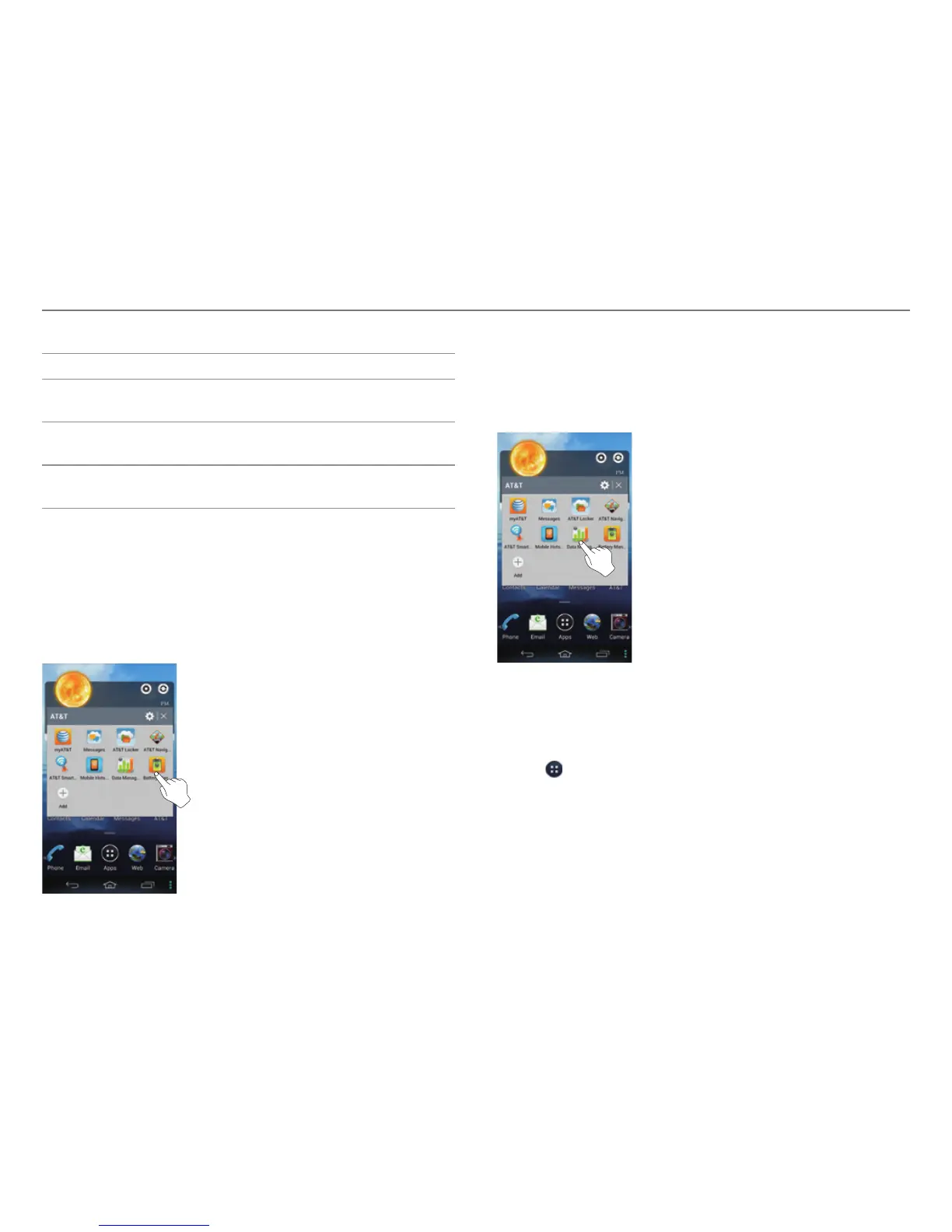
Battery Manager
Check the battery usage and remaining battery life.
1. Tap AT&T on the Home screen.
2. Tap Battery Manager.
Data Manager
View and check your data usage and set a limit for data usage.
1. Tap AT&T on the Home screen.
2. Tap Data Manager.
DeviceHelp
View videos and tutorials about how to use the functions of
your phone.
1. Tap
> DeviceHelp.
2. Select user experience.
3. Select and tap an item.



 To Next Page