75
MEDIA CENTER
No. Description
6
Playback progress bar
7
View thumbnails of the video.
x T
ap a thumbnail to move to that scene.
8
Control the playing.
9
Adjust the screen size.
Using Play Movies & TV
Play Movies & TV allows you to play videos stored in Google
Play or on your phone.
1. Tap
> Play Movies & TV.
x Tap
to launch Play Store.
x Tap
to refresh, select an account, access the settings,
view the help, report a problem, or send feedback about
the service.
2. Tap a tab and select a video.
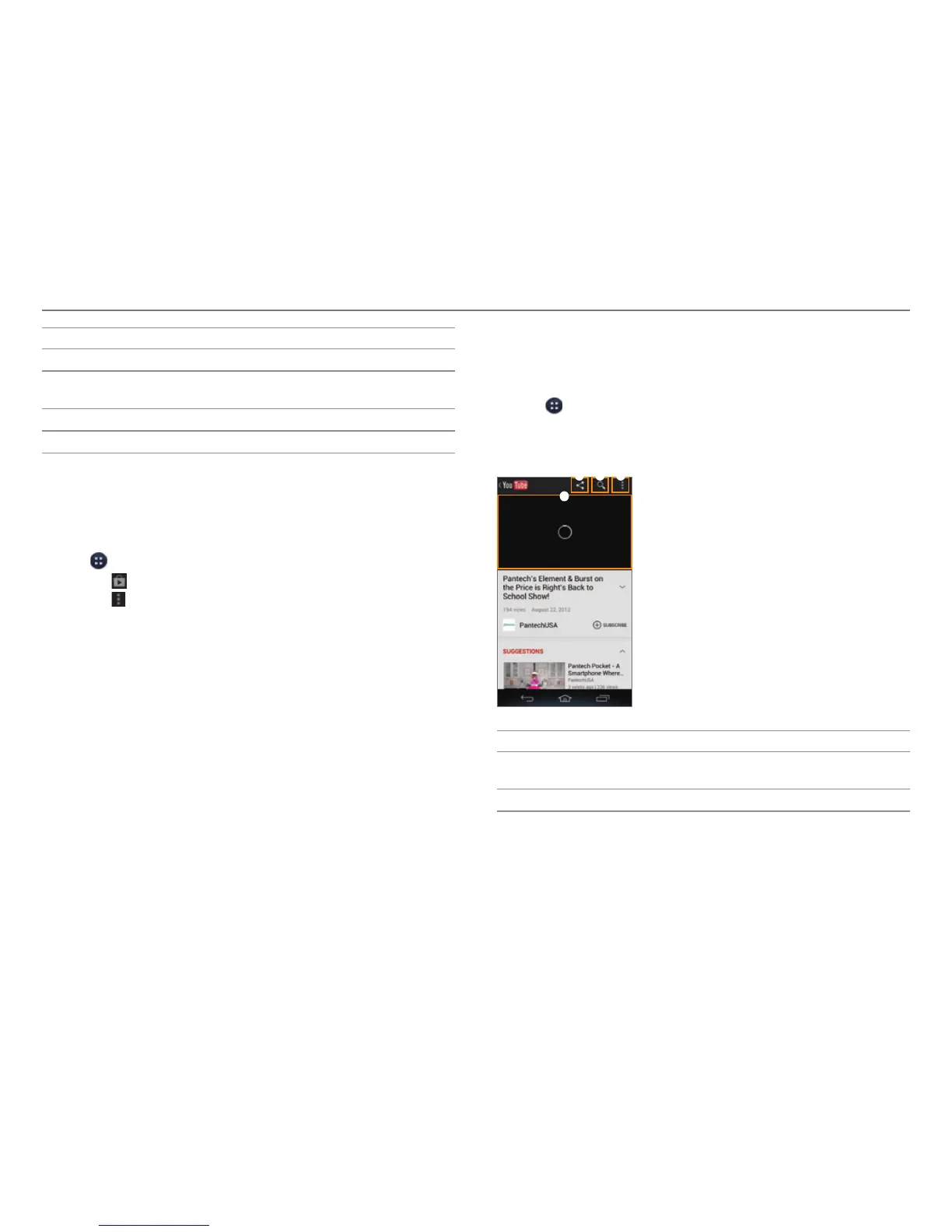
Enjoying YouTube
Watching Videos
1. Tap > YouTube.
2. Select and tap a video.
3. View the video.
4
2 31
No. Description
1
Share via Gmail, Messages, Bluetooth, or other
method.
2
Search for videos.



 To Next Page