25
GETTING STARTED
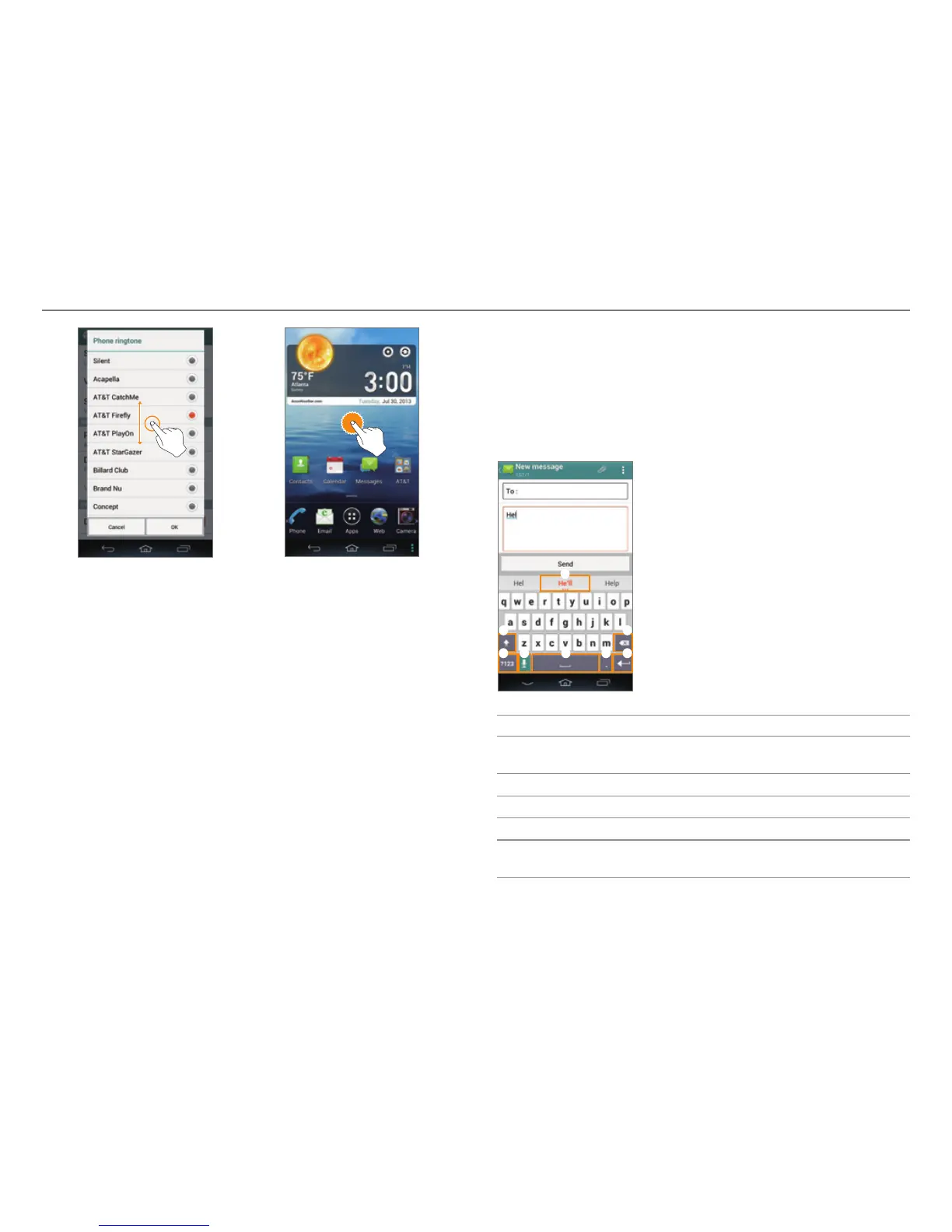
Select and tap Tap and hold
Entering Text
Entering Text with the Android Keyboard
Enter text with the keypad at the bottom of the screen. The
keyboard shows word suggestions as you enter. Tap a word to
use it.
2 3
4 5 6 7
1
8
No. Description
1
View the closest word match. Tap and hold to view
mor
e word predictions.
2
Change the case.
3
Clear your input.
4
Switch between ABC and Number/Symbol mode.
5
Switch to Voice mode. Tap and hold to change the
language or access the settings.



 To Next Page