24
GETTING STARTED
Using the Touch Screen
About the Touch Screen
x Do not subject the touch screen to strong impacts.
x Do not use sharp tools that can scratch the touch screen.
x Do not allow the touch screen to come into contact with
water or chemicals.
x Do not sit on the phone. Doing so may damage the touch
screen.
Performing Touch Screen Commands
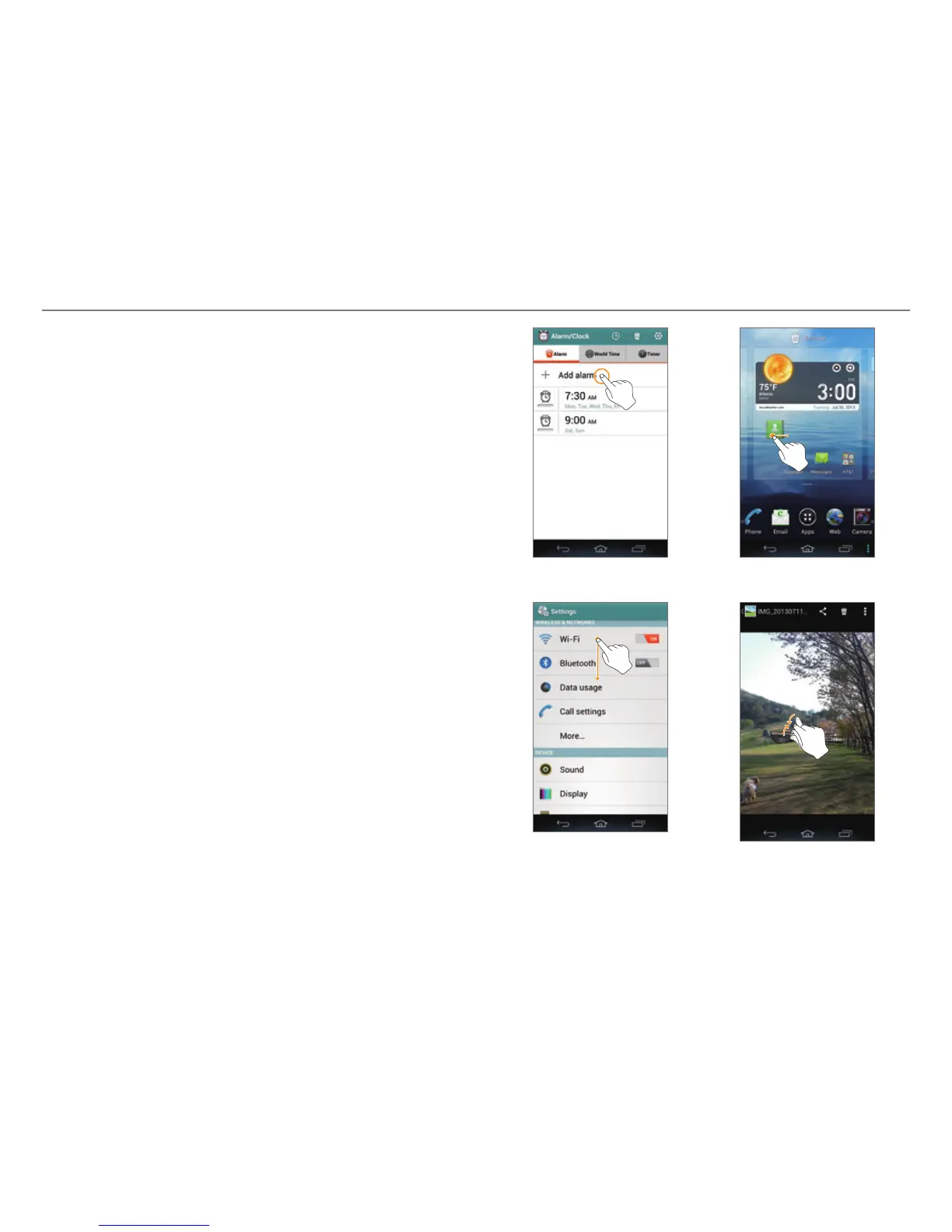
x Ta p : Tap once to access a menu or an option.
x Drag: Tap and hold an item with your finger, and then move
your finger without releasing it from the screen.
x Flick: Place a finger on the screen and slide it up, down, left,
or right.
x Pinch: Place two fingers on the screen, and then spread
them apart to zoom in, or squeeze together to zoom out.
x Select and tap: Tap an item in a list.
x Tap and hold: Touch and hold an area for a few seconds.
Ta p D r ag
Flick Pinch



 To Next Page