42
BASIC OPERATIONS
Viewing Speed Dial Numbers
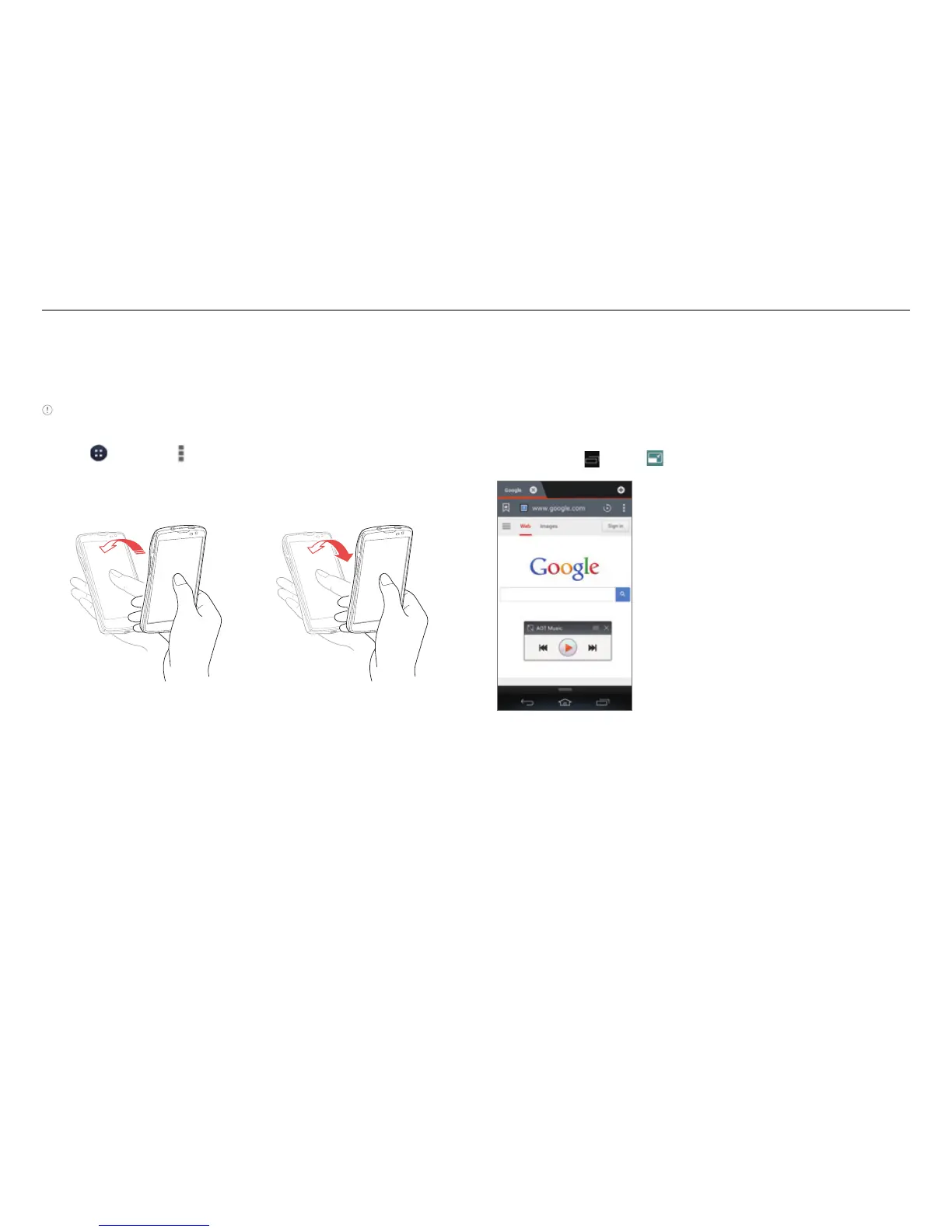
You can view speed dial numbers by tilting or flipping your
phone.
Note Before using this function, set speed dial numbers
(refer to page 52).
1. Tap > Phone > > Dialpad setting.
2. Scroll to Motion-Tilt or Motion-Flip and then tap Save.
3. Tilt or flip your phone to view speed dial numbers.
Tilt the phone. Flip the phone.
Using Two Applications Simultaneously
You can use some applications in compact mode. The
application window will be reduced and will float on the
screen while you are using other applications. You can use the
compact mode with Music, Notepad, Videos, and while you are
on a call.
Tap and hold
, or tap from Music, Notepad, or Videos.
Example: When you select the Music compact mode, while
using Web.



 To Next Page