91
AT&T SERVICES
Make your phone do more for you with useful applications from
AT&T.
Amazon Kindle
Read books on your phone.
1. Tap > Amazon Kindle.
Note The first time you open this application, you need to download
the updated application from the Play Store.
2. Tap Get Kindle for Android.
3. Log in with your Amazon account.
AT&T Code Scanner
Read UPC, QR, and Data Matrix barcodes found on products,
magazines, and the Internet.
1. Tap
> AT&T Code Scanner.
Note The first time you open this application, you need to download
the updated application from the Play Store.
2. Read the terms and conditions carefully, and then tap
Agree.
3. Tap Next and connect with Facebook.
x Tap NOT NOW to connect later.
4. Tap SCAN.
5. Place your phone 2 to 5 inches away from a barcode.
x The scanner will automatically scan the barcode.
x Ensure that the barcode is completely within the frame.
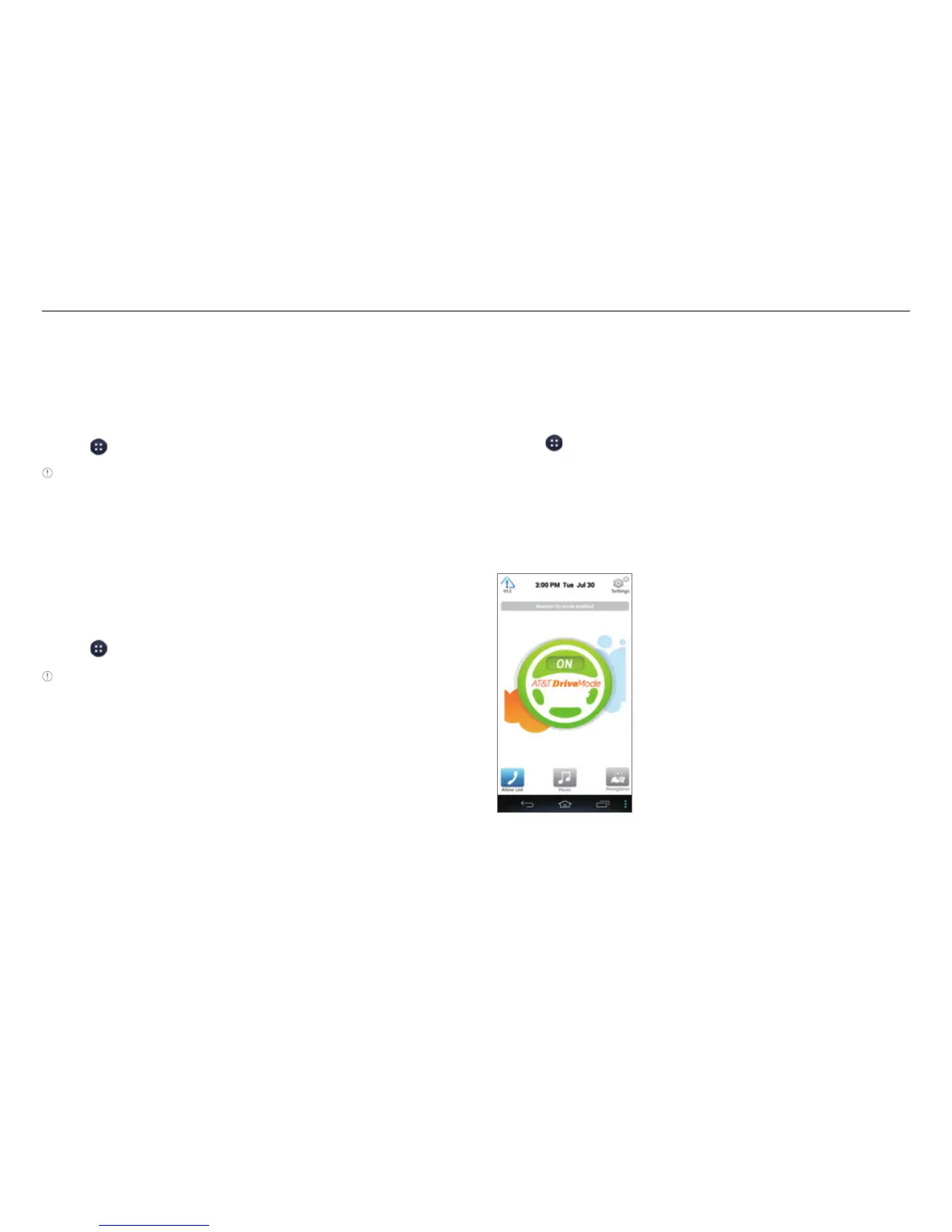
AT&T DriveMode
Turn Drive mode on or off. In Drive mode, you cannot receive
some incoming calls or notifications and some applications
are restricted. Drive mode turns on automatically when you
travel faster than 25 mph (40 kmh).
1. Tap
> AT&T DriveMode.
2. Read the Terms and Conditions carefully, and then tap I
Accept.
3. Read the instructions and tap Continue.
4. Follow the on-screen instructions.
5. Tap OFF to turn on Drive mode.



 To Next Page