87
MENU FUNCTIONS
Smart Voice
Smart voice allows you to send a message, make a call, or
search for and play music by voice. Tap
to learn how to use
Smart Voice.
1. Tap
> Smart Voice.
2. Read the License Agreement, and then tap Agree.
3. Read the instructions, and then tap Okay.
4. Tap
and say a command.
ThinkFree Office
ThinkFree Office allows you to edit Office documents on your
phone.
Create a document
1. Tap > ThinkFree Office.
2. Read the License Agreement, and then tap Accept.
3. Tap Activate now to complete registration. Tap Later if you
want to register later.
4. Tap .
x If you want to use a template to create a document, tap
Template.
5. Select a document type.
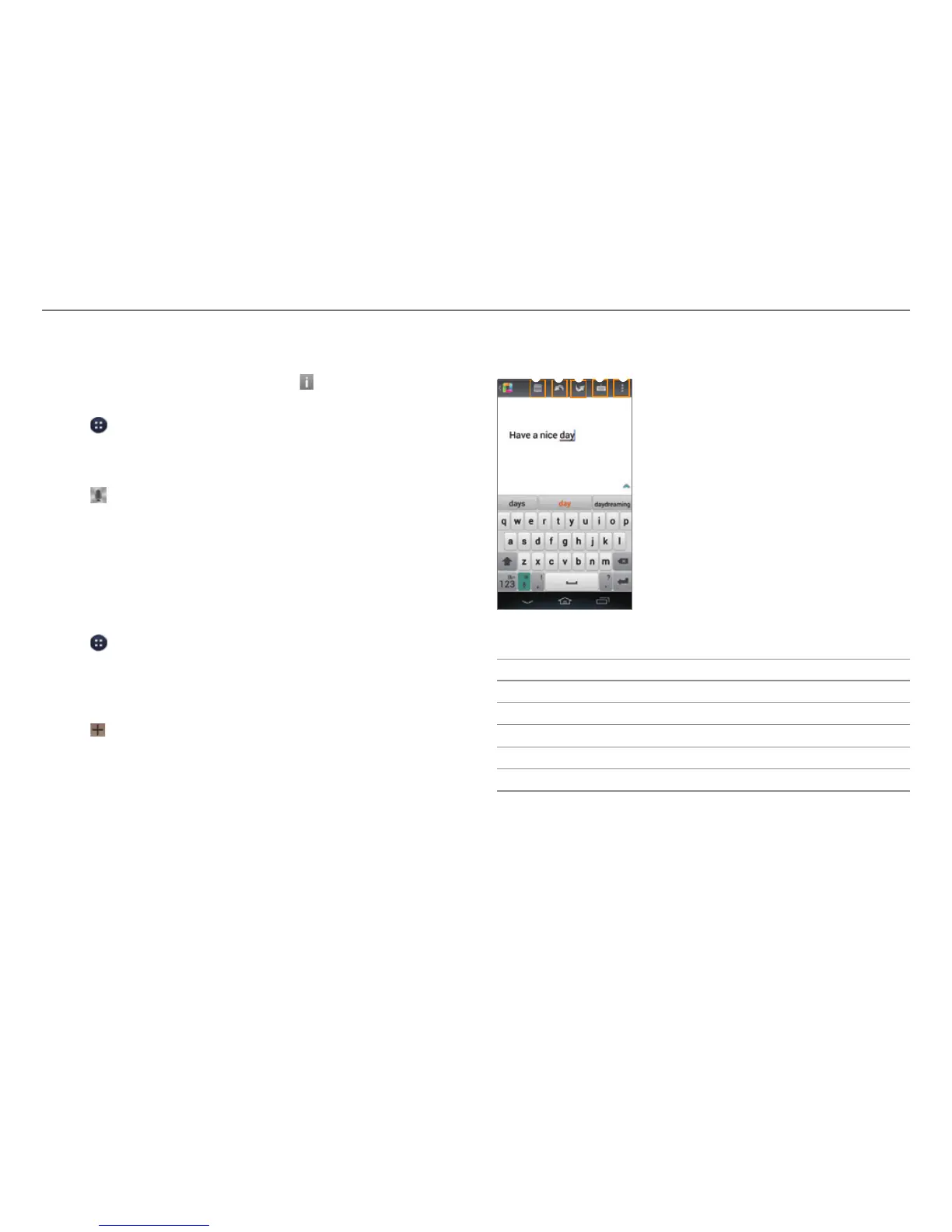
6. To create the document, you can perform the following
functions:
3
4
5
1
2
Example: When you select Word.
No. Description
1
Save the document.
2
Cancel the last action.
3
Redo the last action.
4
Show or hide the keyboard.
5
Access the settings.



 To Next Page