37
BASIC OPERATIONS
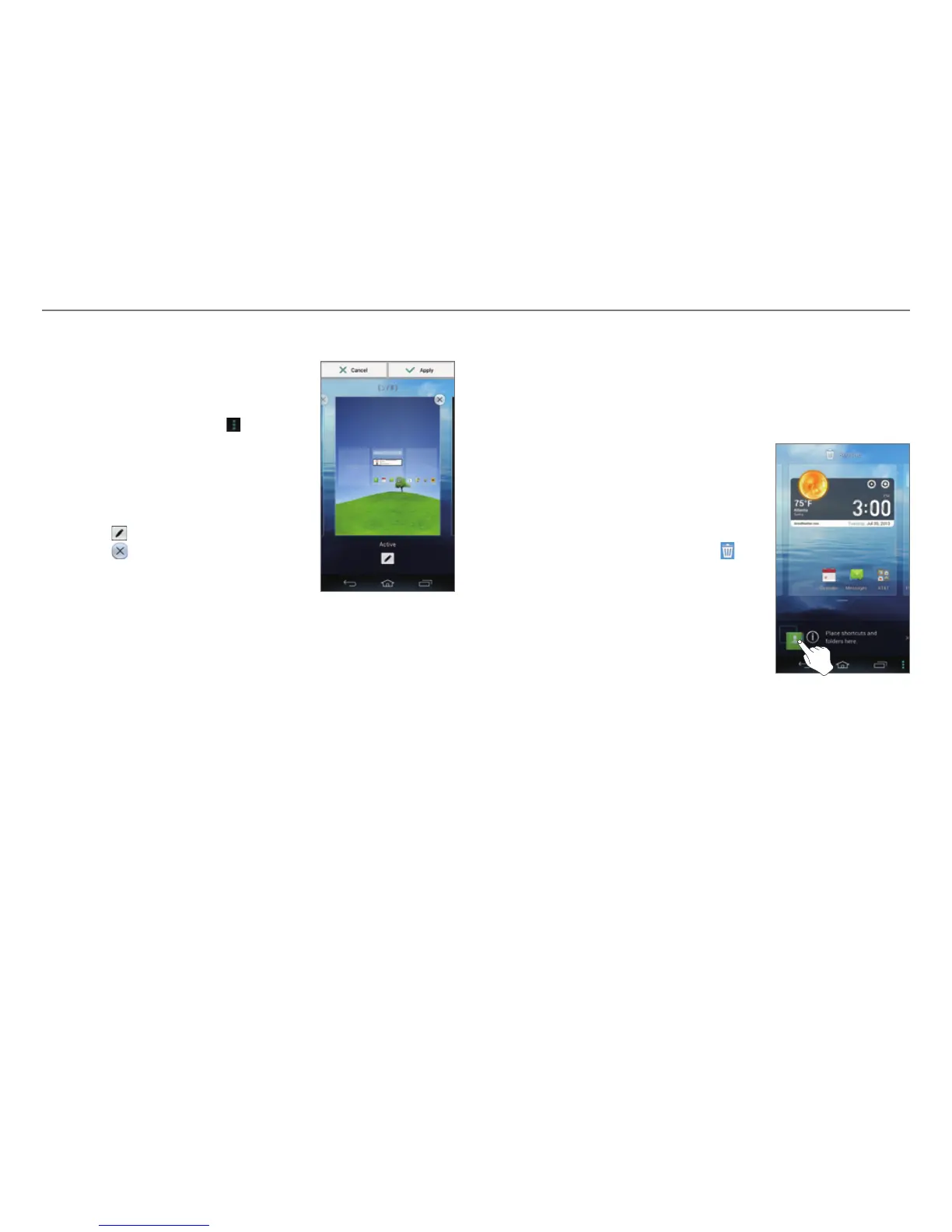
Changing the Home screen Theme
1. On the Home screen, tap and hold
an empty area.
x You can also flick the Home
screen upward or tap
.
2. Tap Themes.
3. Flick the screen to the left or right.
4. Select a theme.
5. Tap Apply.
x Tap
to edit the theme name.
x Tap
to delete the theme.
Using the Extended Launcher Bar
Arranging Shortcut Icons or Folders
Move shortcut icons or folders from the Home screen to the
Extended launcher bar.
1. Flick the Basic launcher bar to the
left or right.
2. Tap and hold an item on the Home
screen.
3. Drag it to a desired location.
x To delete an item, drag it to
at
the top of the screen.



 To Next Page