68
MEDIA CENTER
5. Tap and hold .
Note The lower the resolution, the quicker the shots will be captured.
Using Facial Recognition
The camera can recognize people’s faces automatically and
apply some effects.
To Use Best Face
1. Tap > Camera.
2. Rotate the phone horizontally.
3. Tap
> Mode > Best Face.
4. Tap the screen to focus.
5. Tap
. The phone takes 5 pictures.
6. Tap a recognized face in a green frame.
x The frame is magnified and alternate face images
appear around it.
7. Choose the best face image and tap
.
8. Tap
to save.
4. Tap
.
2
1
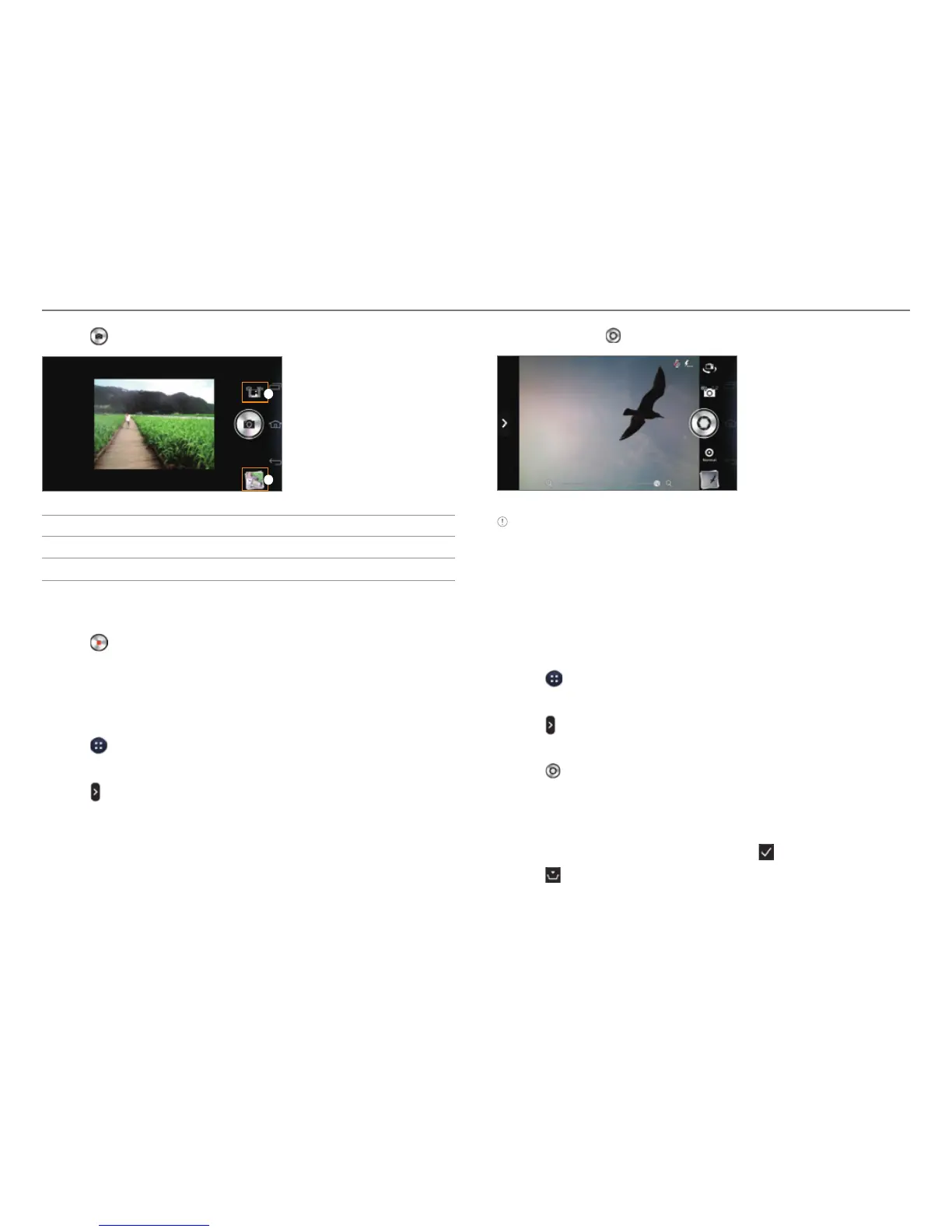
No. Description
1
Switch to picture or video mode.
2
View captured pictures.
5
. Move the phone continuously in one direction until the
panorama is complete.
6. Tap .
Taking Burst Shots
Take pictures in a continuous burst. The burst shot is available
at resolutions of 8M or lower.
1. Tap
> Camera.
2. Rotate the phone horizontally.
3. Tap
> Options > Resolution and tap a setting as 8M or
lower.
4. Tap the screen to focus.



 To Next Page