Book PC
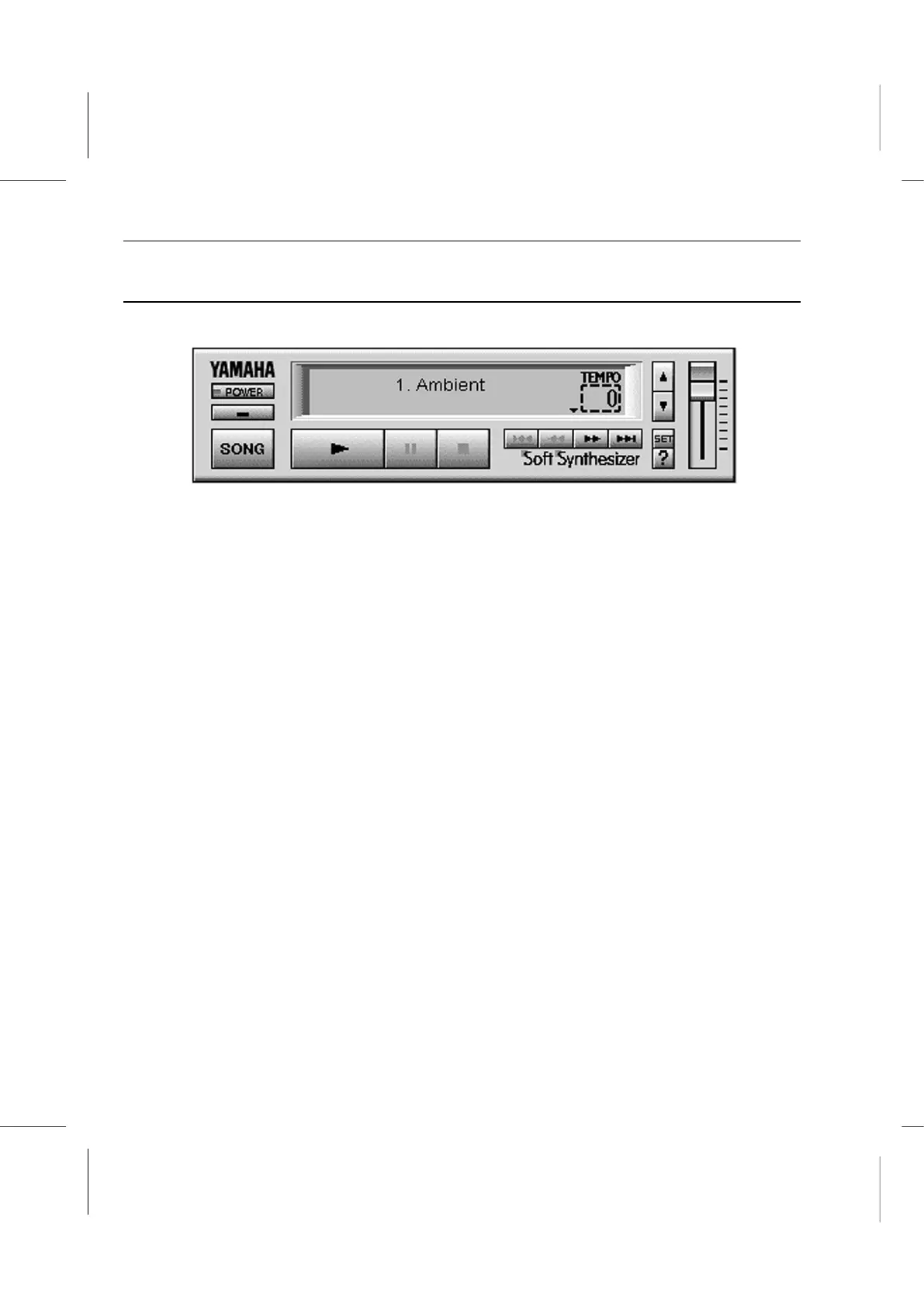
S-YXG50 Player Operation Panel
Clicking on an item displays help information about it.
[ 1. Ambient ] Song Name display box: By clicking in this window, you can switch
between the song name display and the level meter display.
[POWER] button: Clicking on this button quits S-YXG50 Player.
[ - ] Minimize button: Clicking on this button minimizes the S-YXG50 Player to an icon.
[SONG] button: Clicking on this button displays the Set Play List dialog box.
[ ] Play button: Clicking on this button loads the MIDI file displayed in the Song Name
display panel, and starts playback.
[ II ] Pause button: Clicking on this button pauses the song.
[ ] Stop button: Clicking on this button stops the song.
[ ] First song select button: Clicking on this button jumps to the first song in the Play
List.



 To Next Page