WINDVD Documentation: Set the DMA Mode for the CD-ROM/DVD-ROM
Navigation Buttons
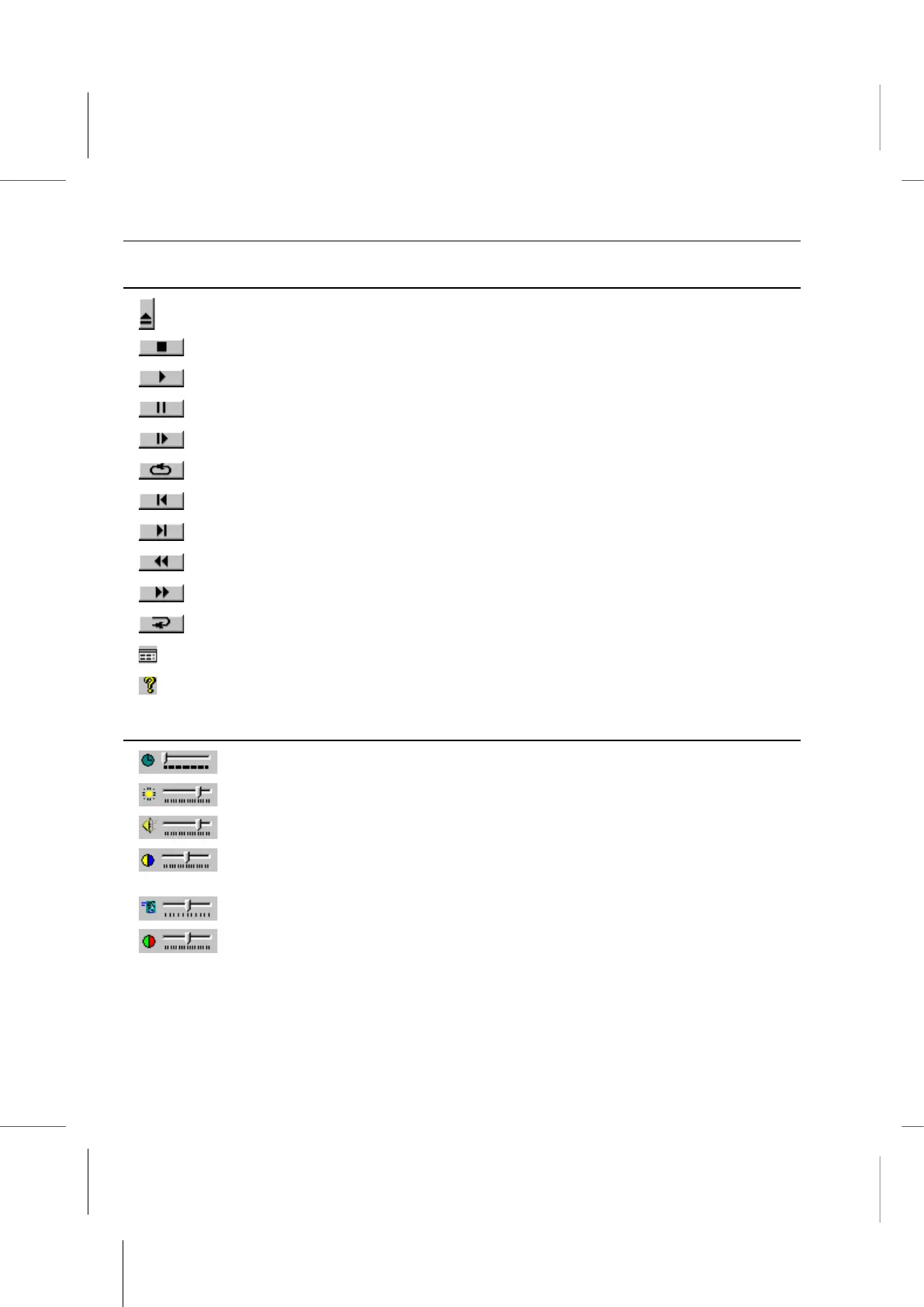
Eject.
Stop.
Starts playback of the disk.
Pauses the current playback.
Single frame advance while in Pause mode
Loops current title or chapter.
Jumps to previous chapter.
Jumps to next chapter.
Plays the disk in fast reverse mode.
Plays the disk in fast forward mode.
Restarts the same chapter.
Opens the Audio and Video adjustment window.
Opens the online help system.
Sliders
Moves to a specific time in the title.
Increases or decreases the brightness of the video output.
Increases or decreases the audio output.
Color Control Bar 1. Adjusts the relative strength (balance) between
video colors blue and yellow.
Smooth slow motion and smooth fast forward.
Color Control Bar 2. Adjusts the relative strength (balance) between
video colors red and green.



 To Next Page