Going inside: Upgrading
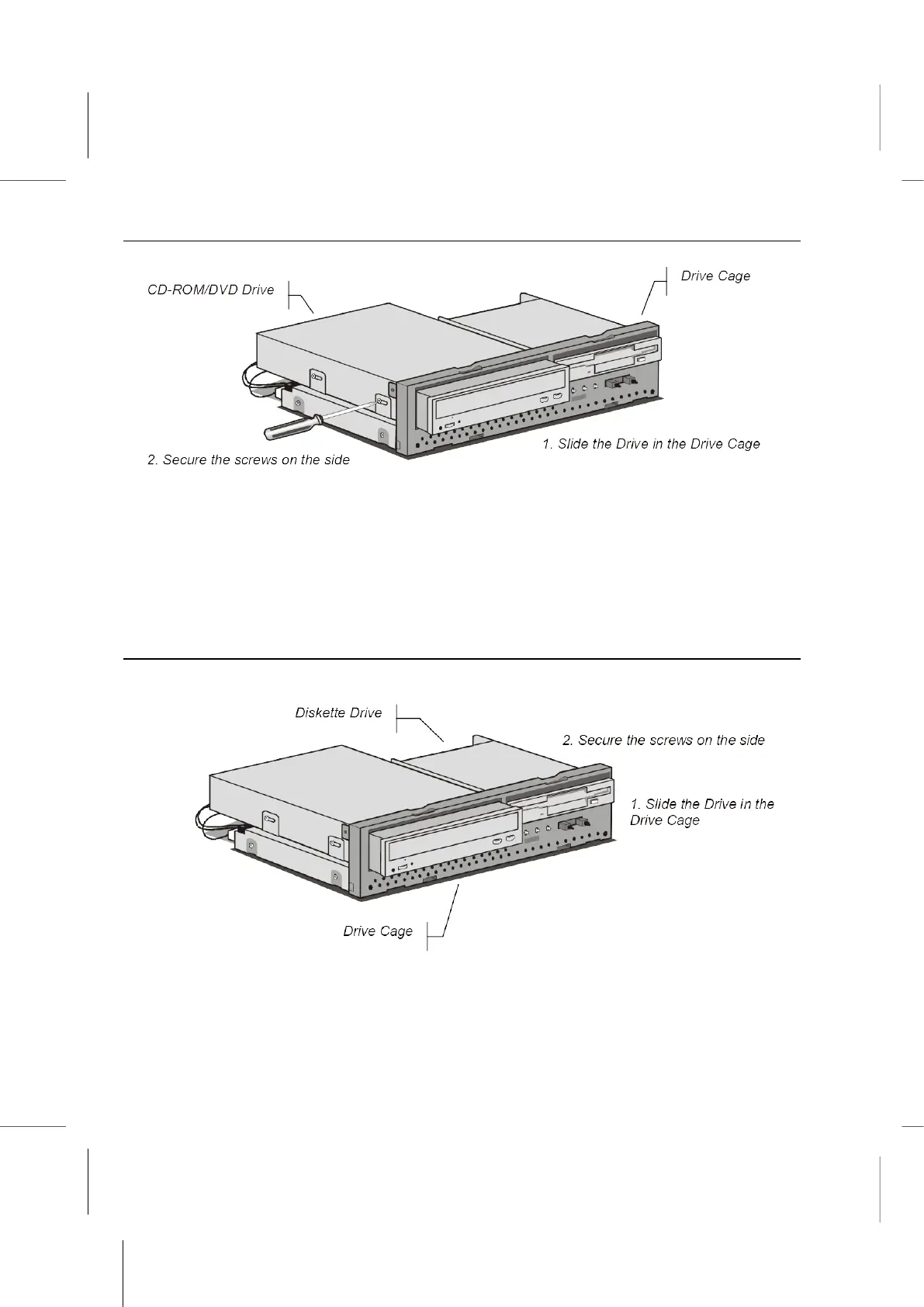
2. Using a Philips-head screwdriver and screws, secure the drive in the drive cage.
3. Connect the IDE cable to the mainboard.
4. Connect a power supply connector to the drive.
Note: The most common setup of this system will include a CD-ROM drive, but this
slot in the drive cage can also hold alternative devices such as a DVD player.
Changing the Diskette Drive
Locate the diskette drive connector on the mainboard.
1. Place the diskette drive in the drive chassis by sliding it in from the front.
2. Using a Philips-head screwdriver and screws, secure the diskette drive in the drive
cage.



 To Next Page