Book PC
CD-ROM/DVD Drive – The drive bay on the left hand side is either installed with a
CD-ROM or DVD drive. This option is factory installed. CD-ROM disks can store over
600 MB of audio, video, or data. DVD disks can store up to 4 GB and are currently
commonly used to distribute high-quality video. Usually your system identifies the CD-
ROM/DVD drive as drive D:. Access to a CD/DVD-ROM is quite fast. CD and DVD
disks are used to distribute large software applications, and audio and video files that
require a lot of capacity. You can play audio and video files using the supplied Gamut
audio player or the optional WINDVD software.
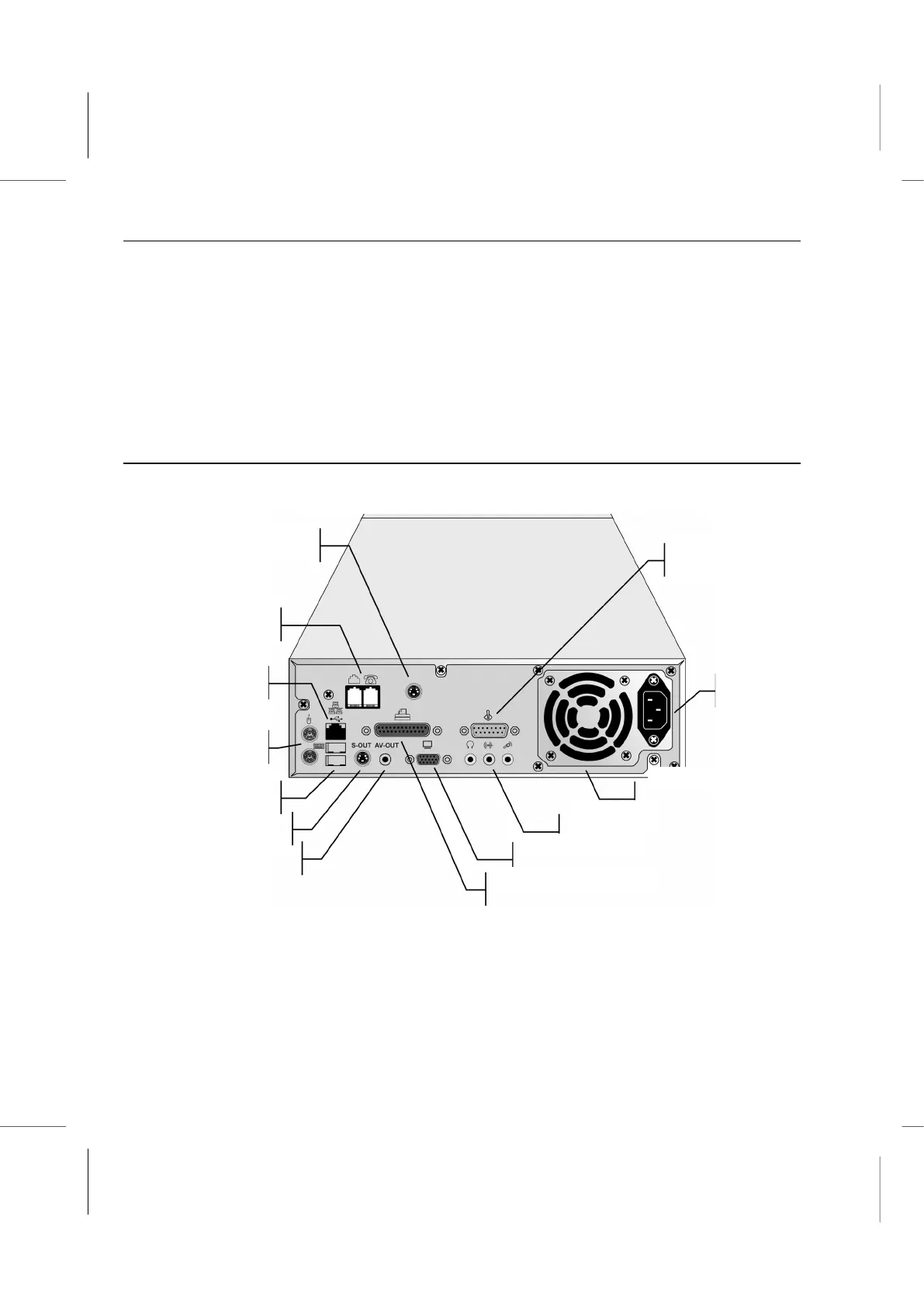
Looking at the Back
The back of the system is where most external connectors are.
AC Power Connector – Plug the main power cord in here. Within the range of 115 or
230V AC, the power adapter will automatically sense and adapt to the input power
voltage.
Fan Outlet – A fan inside the case cools the internal parts. Do not block this outlet.



 To Next Page