Getting Started: Connecting the Cables
Game port Connector – The 15-pin Game port can be used to connect your
computer to an IBM-compatible joystick or similar device, or to a MIDI device such as
a synthesizer.
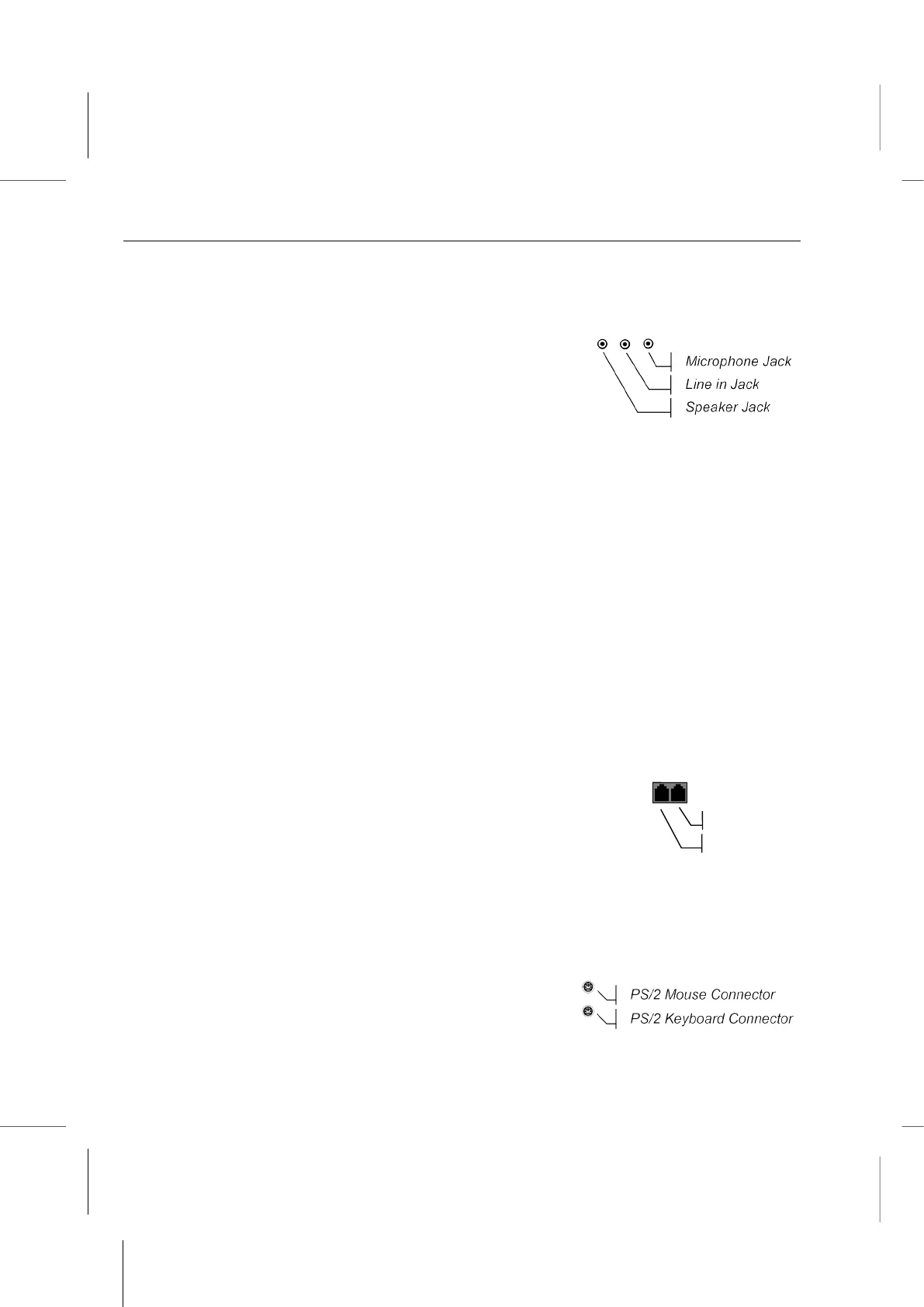
Audio Jacks – The three audio jacks provide you with
the ability to connect an external audio source or an
external microphone to the system. From right to left, the
Microphone jack is used to input sound from an
external microphone into your Book PC; the Line in jack
is used to input stereo sound from other devices, such as a radio or tape recorder,
into your computer; and the Speaker jack is used to output sound generated by your
computer to an external device, such as stereo loudspeakers.
Parallel Port Connector – The parallel port provides a connection for a parallel
printer or other parallel communications device.
VGA Connector – The external monitor port allows you to connect any standard
computer monitor to your system.
Video Connector – The RCA video jack can be used to output video to devices that
use RCA plugs such as most TV receivers.
S-Video Connector – The S-video jack can be used to output video to devices that
use S-video plugs such as camcorders and some TV receivers.
Digital Audio Jack – The Digital Audio jack provides a digital (SPDIF) interface with
an optional external audio device, and at the same time serves as an auxiliary Line in
port to import sounds while Four Speakers mode is enabled. An optional device and
optic fiber cable are needed in order to make use of the digital interface.
Line/Phone Jacks – The RJ-11 jacks can be used to connect a
phone line to the internal modem device. Use the Line jack to
connect a wall socket line to the Book PC. The Phone jack is
only available in FCC type modem, use it to export the line to a
telephone receiver.
LAN Jack – The RJ-45 jack can be used to connect the Book PC to an ethernet
network.
USB Connectors – The USB (Universal Serial Bus) port can be used to connect to
USB devices.
PS/2 Connectors – The two PS/2 ports can be used
to connect an external pointing device and keyboard.



 To Next Page