Book PC
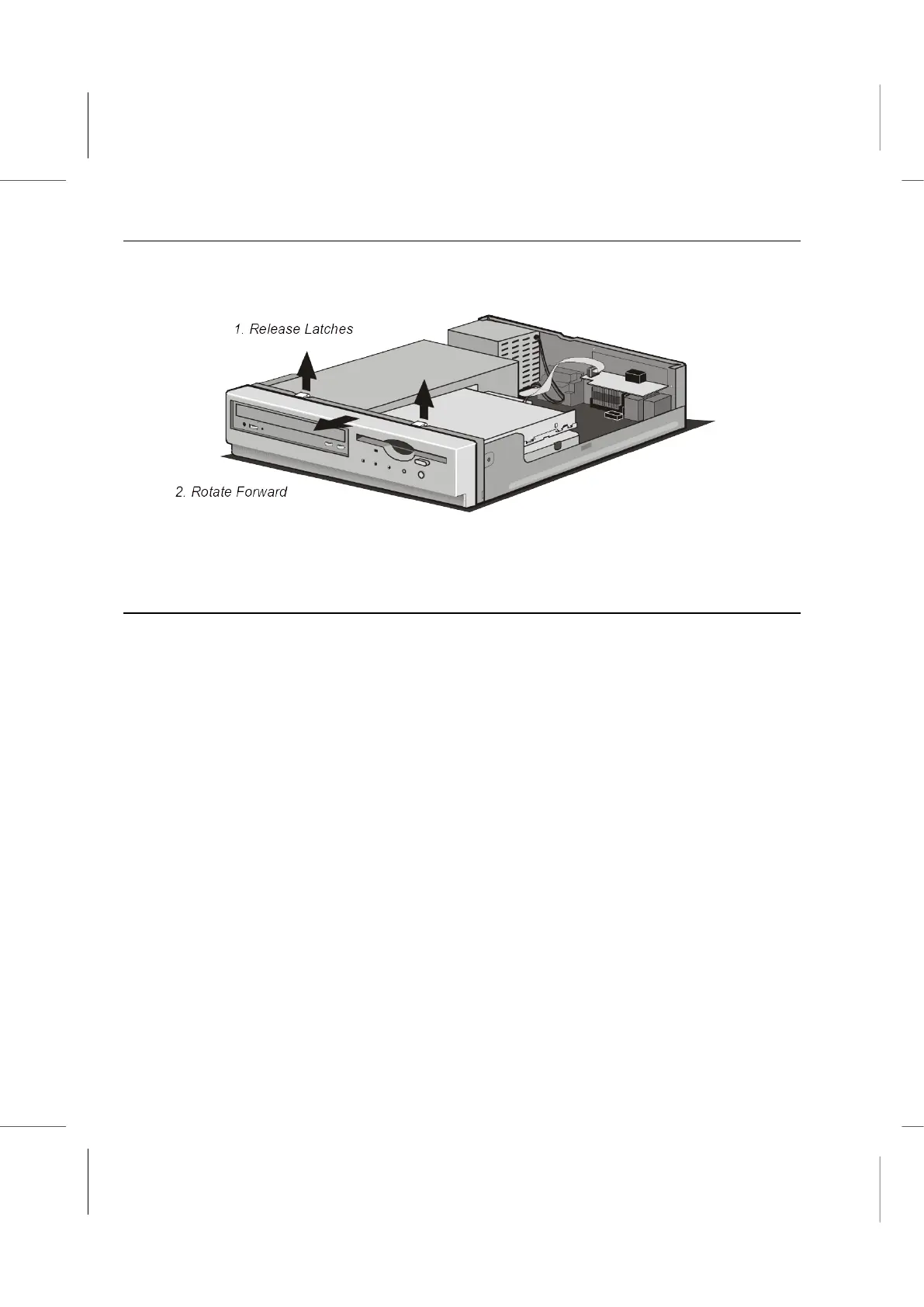
7. Remove the front cover by releasing the latches at the top. Slowly rotate the front
cover away from the chassis until the latches at the bottom give way.
8. Set it aside. Look inside the unit and find the components labeled in the illustrations
below.
To Close the System Unit Case
1. Replace the front cover by first fixing the latches at the bottom of the chassis. Gently
push the top of the front cover towards the chassis until the latches at the top snap to
it.
2. Place the top cover over the chassis.
3. Slide the cover forward.
4. Replace the screws on the back.



 To Next Page