Book PC
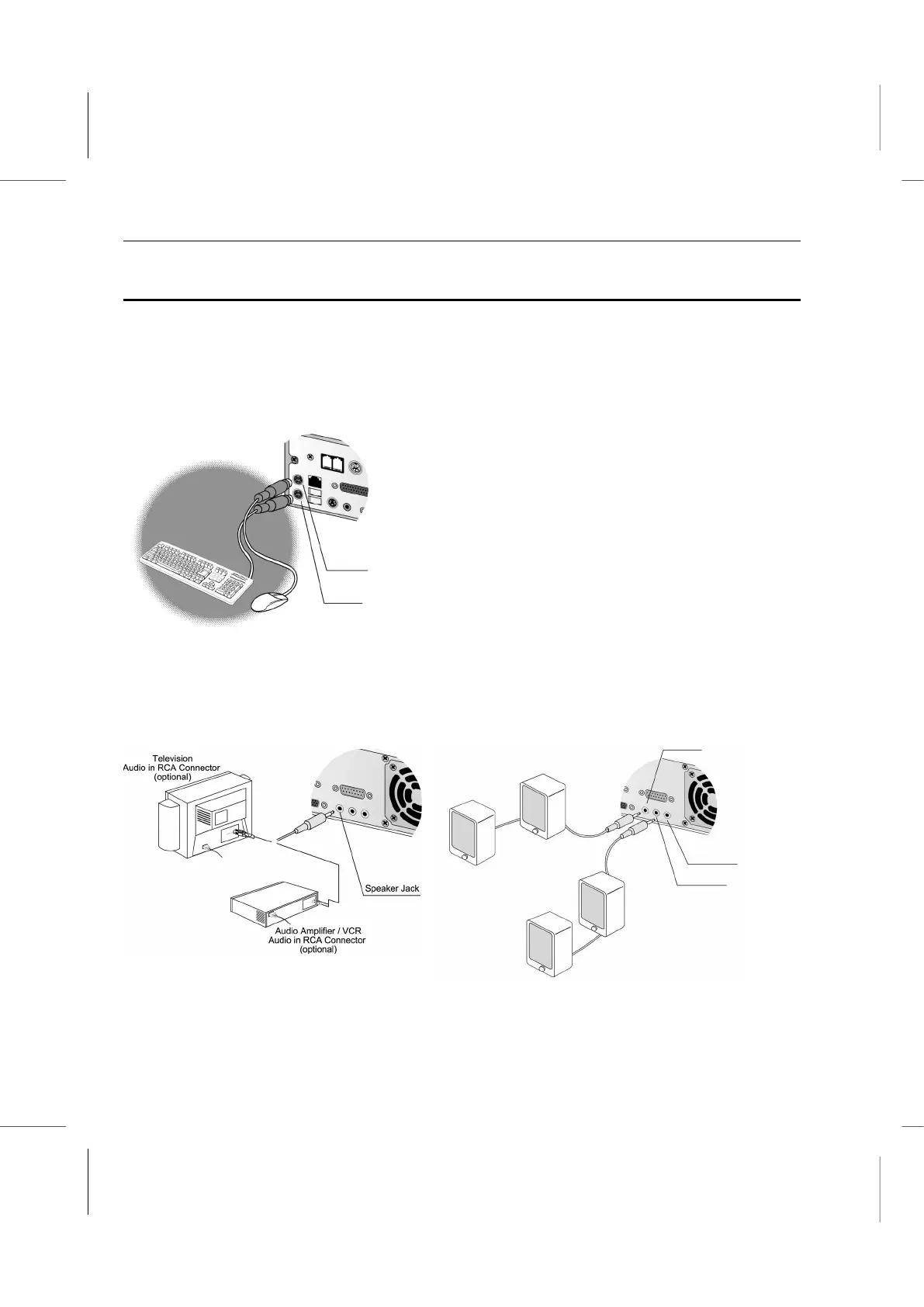
Connecting the Cables
This section of setting up your new computer is very important. It talks about attaching all
the cables so that you can begin using the system.
The procedure is straightforward and easy to do, however, be sure to follow each step
carefully and don’t leave any steps out.
1. Connect a keyboard and pointing device
through the PS/2 connectors
2. Connect any speakers and/or microphones that you might have.
(
H
o
m
e
Entertainment Audio System )
( 4.1 Speaker System )



 To Next Page