Book PC
Setup the SPDIF-Out for the Audio System
Note: Selecting SPDIF-Out for the audio system is an optional choice, and that might
cause invalidly the Analog audio (Speaker, Line in, Microphone).
How to setup the SPDIF-Out function in Win98?
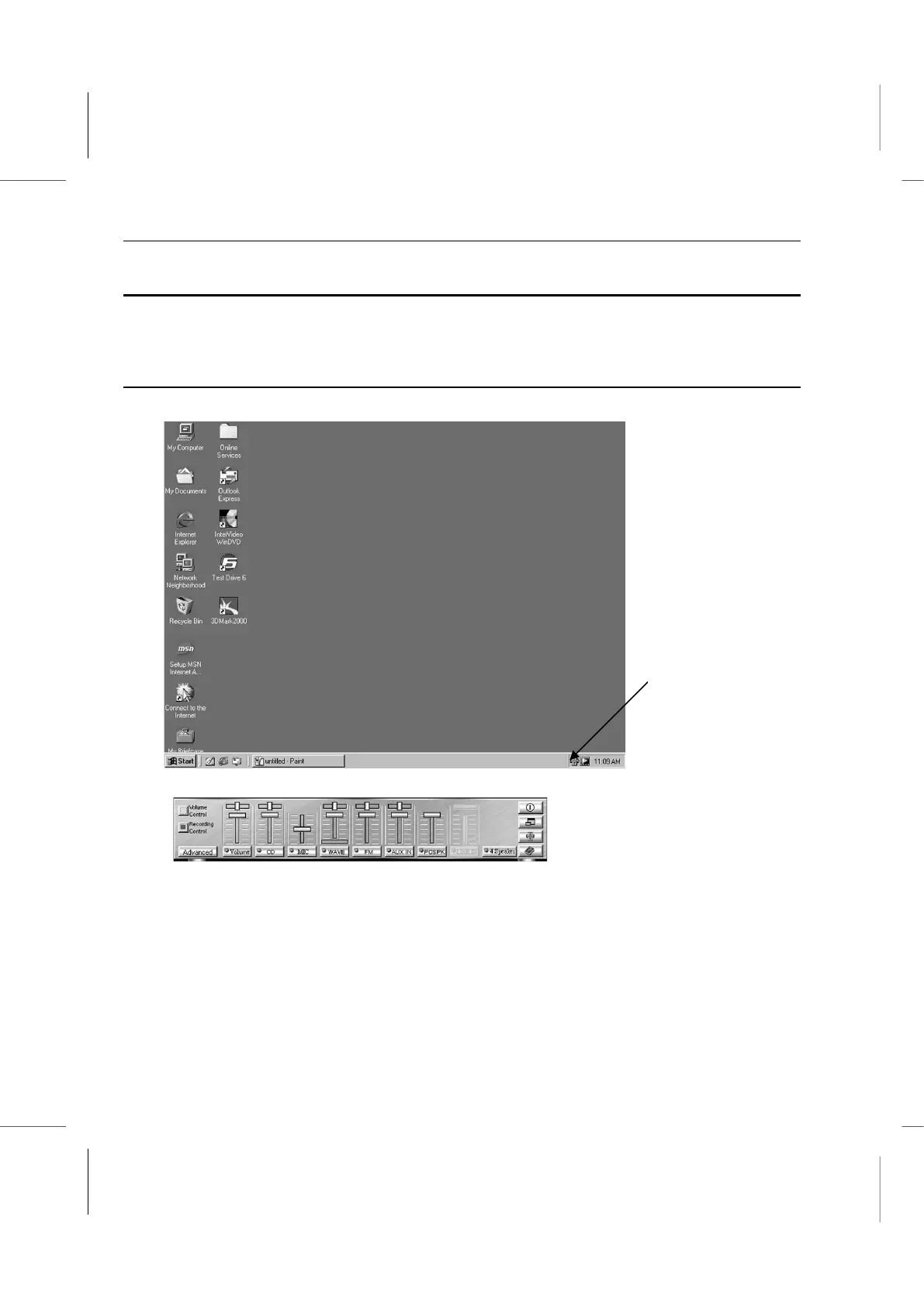
Please follow this procedure to setup the SPDIF-Out function.
1. Click on the Sound icon at the lower right to open the Sound Properties.
2. Click on the Advanced button at the lower left to bring up the Advanced window.



 To Next Page