How to install your system with SCART TV console?
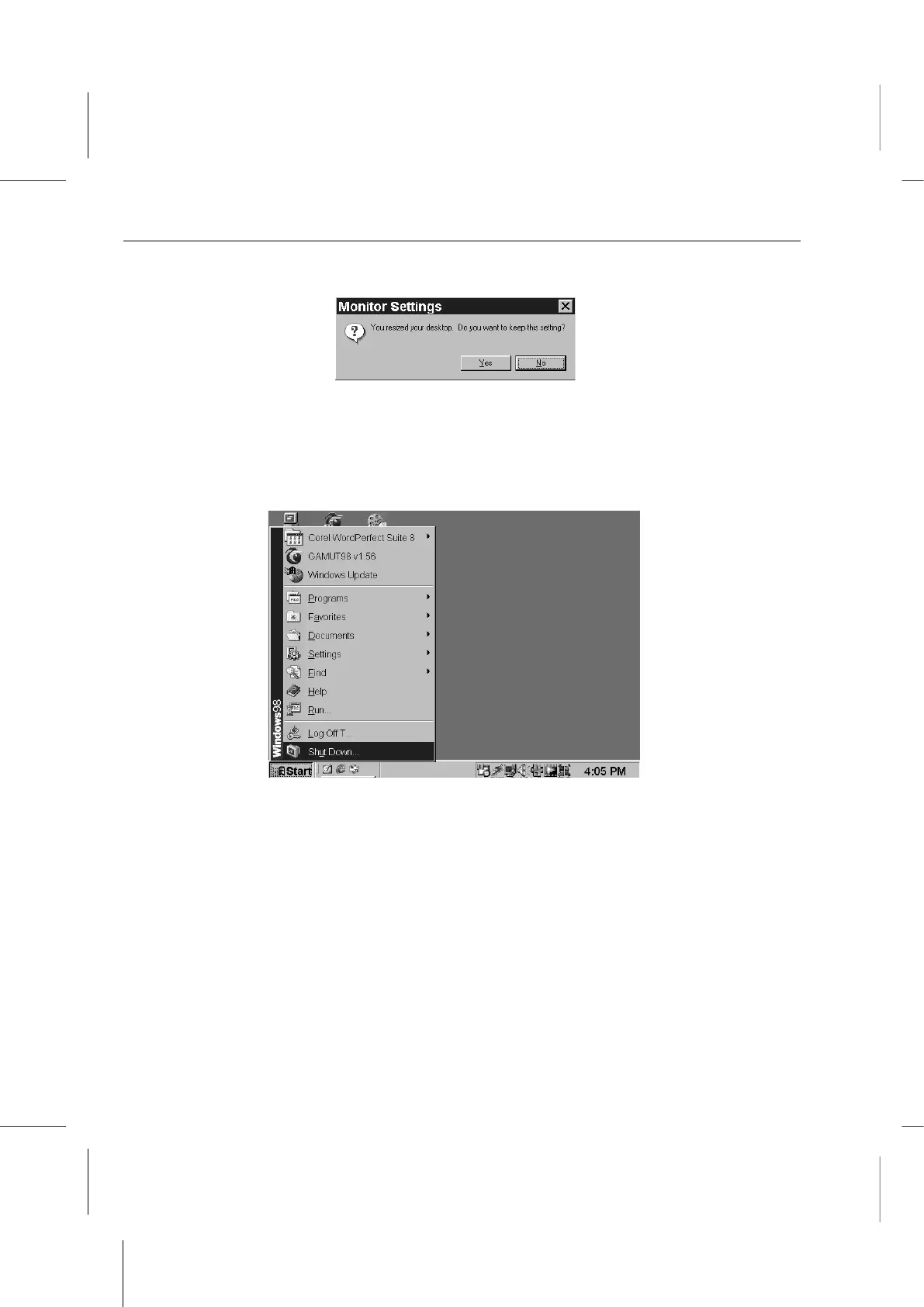
9. Click on the Yes button to accept the new setting.
10. The Display Properties window will close. Close the Control Panel.
11. Restart the computer by clicking on the Start button and then the Shut Down…
command. Click on the Restart radio button to select it if it isn’t already selected and
then click on the Okay button to confirm you want to restart the computer.
Please Note:
Make sure to also adjust the Brightness and Contrast controls on the
television to an intermediate setting. Adjust Sharpness ( or Detail ) settings
to their maximum settings. You can adjust these settings to adjust the
screen image to suit your preference. If onscreen text is not clear enough,
try reducing the contrast setting.



 To Next Page