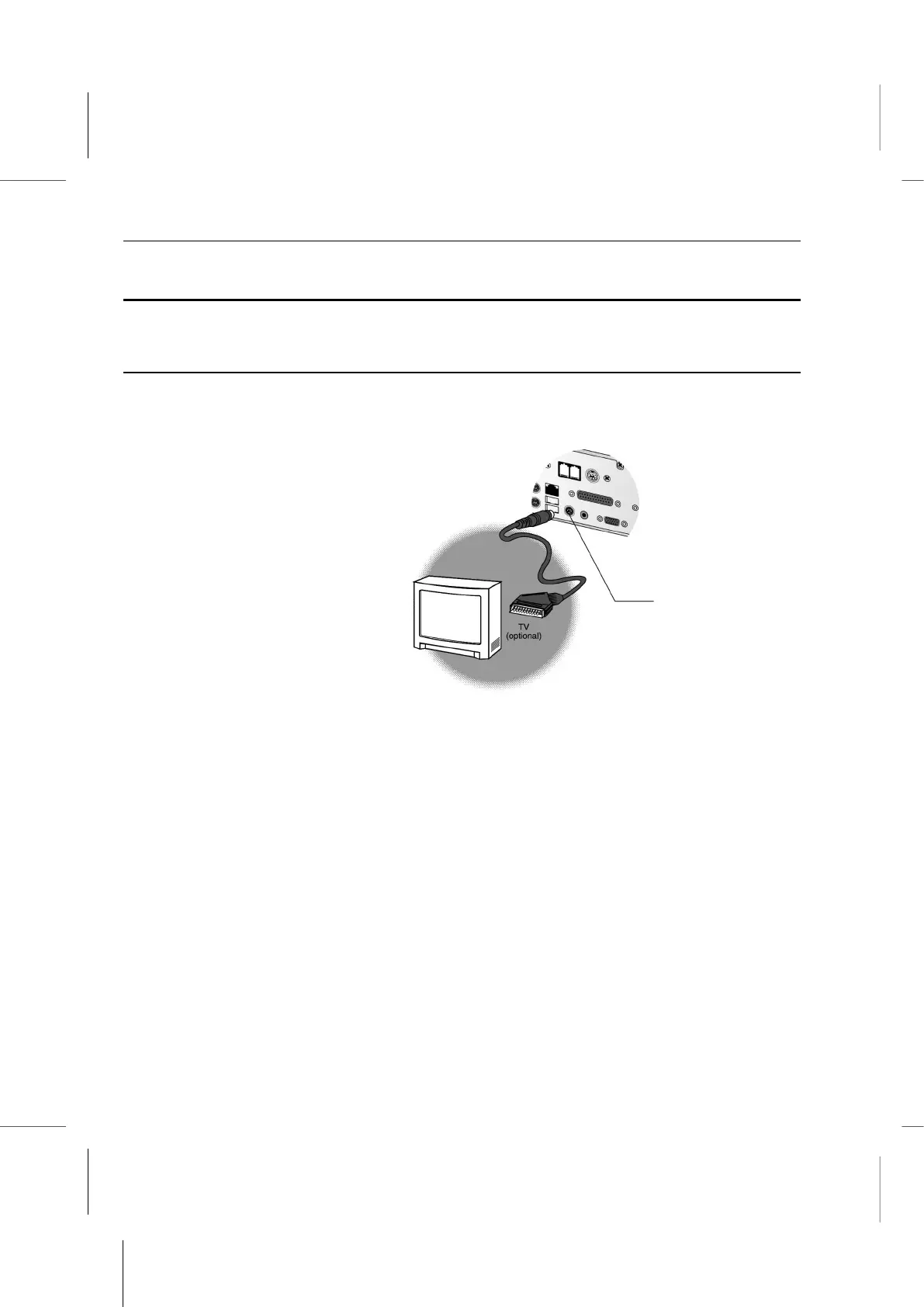
How to install your system with SCART TV console?
Setup the SCART TV as System Console
Note: Selecting SCART TV to be the display equipment is an optional choice.
How to install your system with SCART TV console?
Selecting your system to SCART TV mode.
1. Connecting SCART cable between the Television and Book PC.
2. Power-on your system.
3. Press “DEL” key to enter BIOS SETUP mode, while the “Press DEL to enter SETUP”
message is displayed on the screen.
4. Move the cursor to the item “Integrated Peripherals”, then press “Enter” key to enter
the “Integrated Peripherals” setup page.
5. In item “TV System Selection”, select “PAL” for the SCART TV, refer to Chapter 5.
6. Press “ECS” key to return the BIOS SETUP Main menu.
7. Press “F10” key to save and exit the setup program.
8. Restart the system and boot to Win98 system.
9. Setup the driver for the SCART TV. Refer to the Graphics Drivers and Software in
Chpter 3.



 To Next Page