Book PC
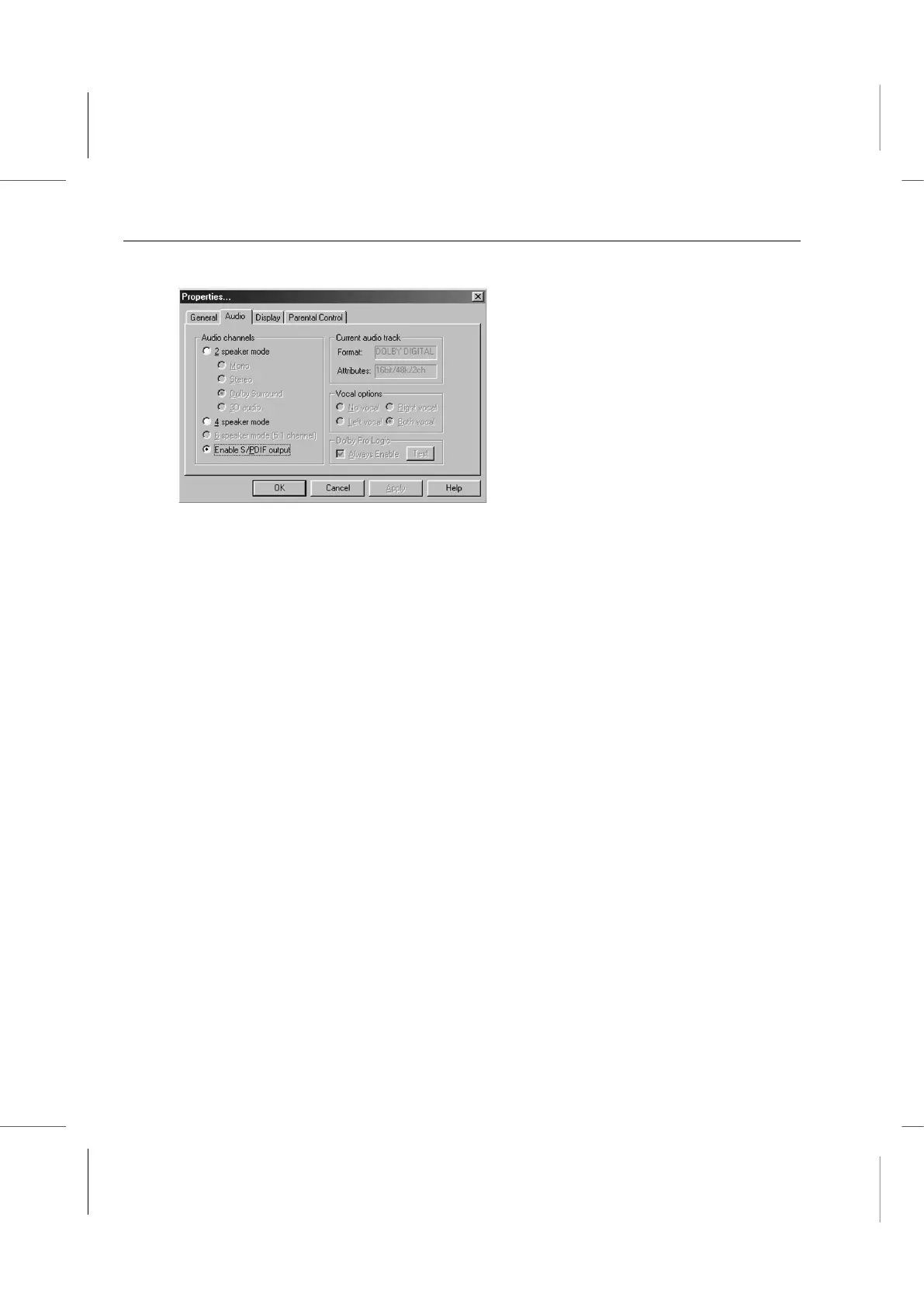
2. Click on the Audio tab to bring it to the front.
3. Click on the check box for Enable S/PDIF output under Audio channels. (If the used
CD/DVD ROM does not support SPDIF function, the Enable S/PDIF output item might
be hidden.)
4. Click on the OK button to complete enabling SPDIF Out function for the WinDVD.
Note:
1. Enabling this function might cause invalidly the Microphone function in the KARAOKE
mode.
2. Make sure to disable this function before use the CD/DVD ROM that does not support
SPDIF function.



 To Next Page