Getting Started: Connecting the Cables
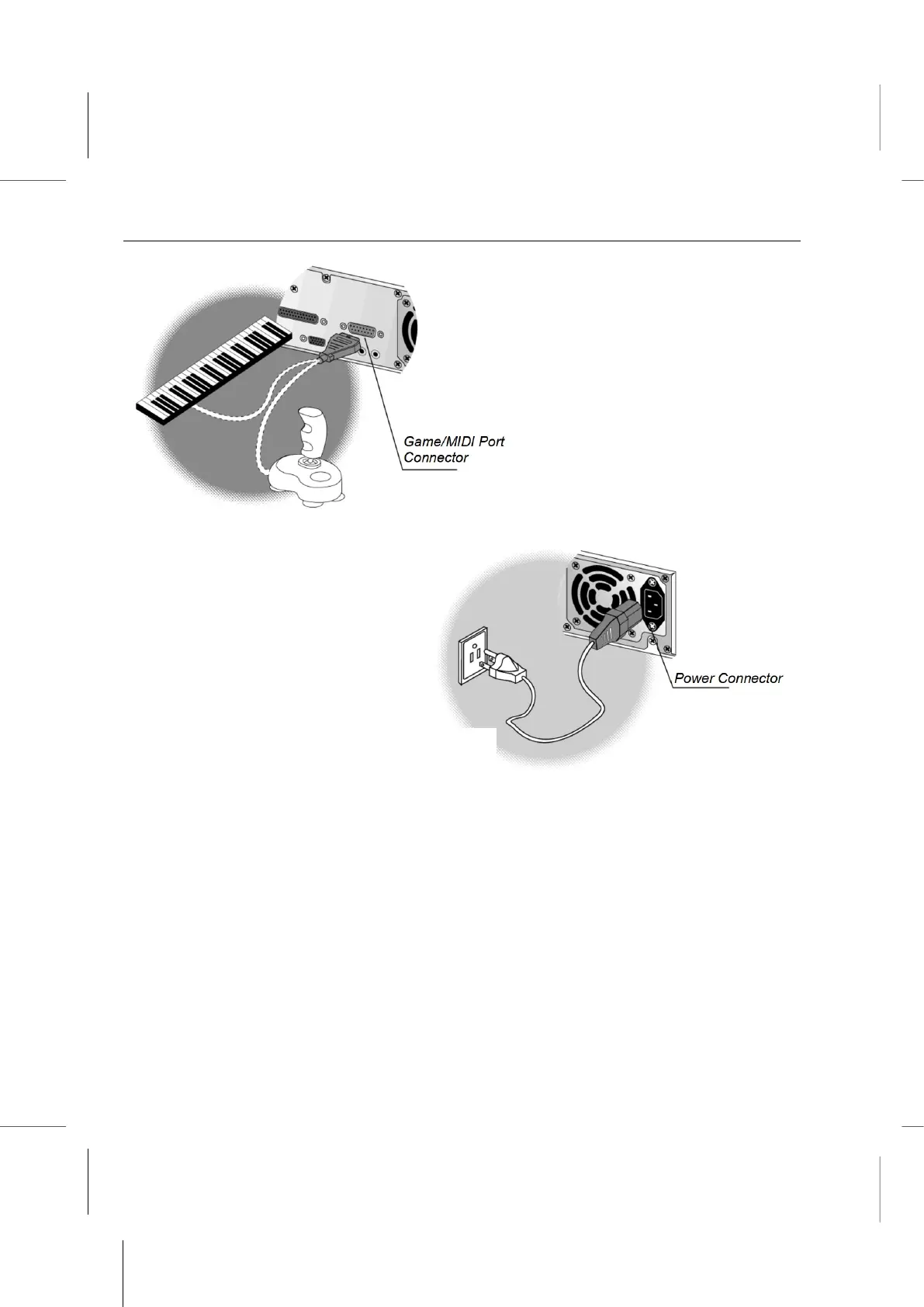
9. Connect any Game/MIDI
devices you might want to use.
11. Make sure all other peripheral devices are properly connected to a power source if
they do not draw their power from the system.
You are now ready to start up your system. Check Chapter 2 for detailed information on
starting up your system for the first time.
1 – 15
10. Plug in the power cable, one end goes into
the back of the system, the other end goes
into a grounded outlet or power strip/surge



 To Next Page