Installing the Software: Installing the Bundled Software
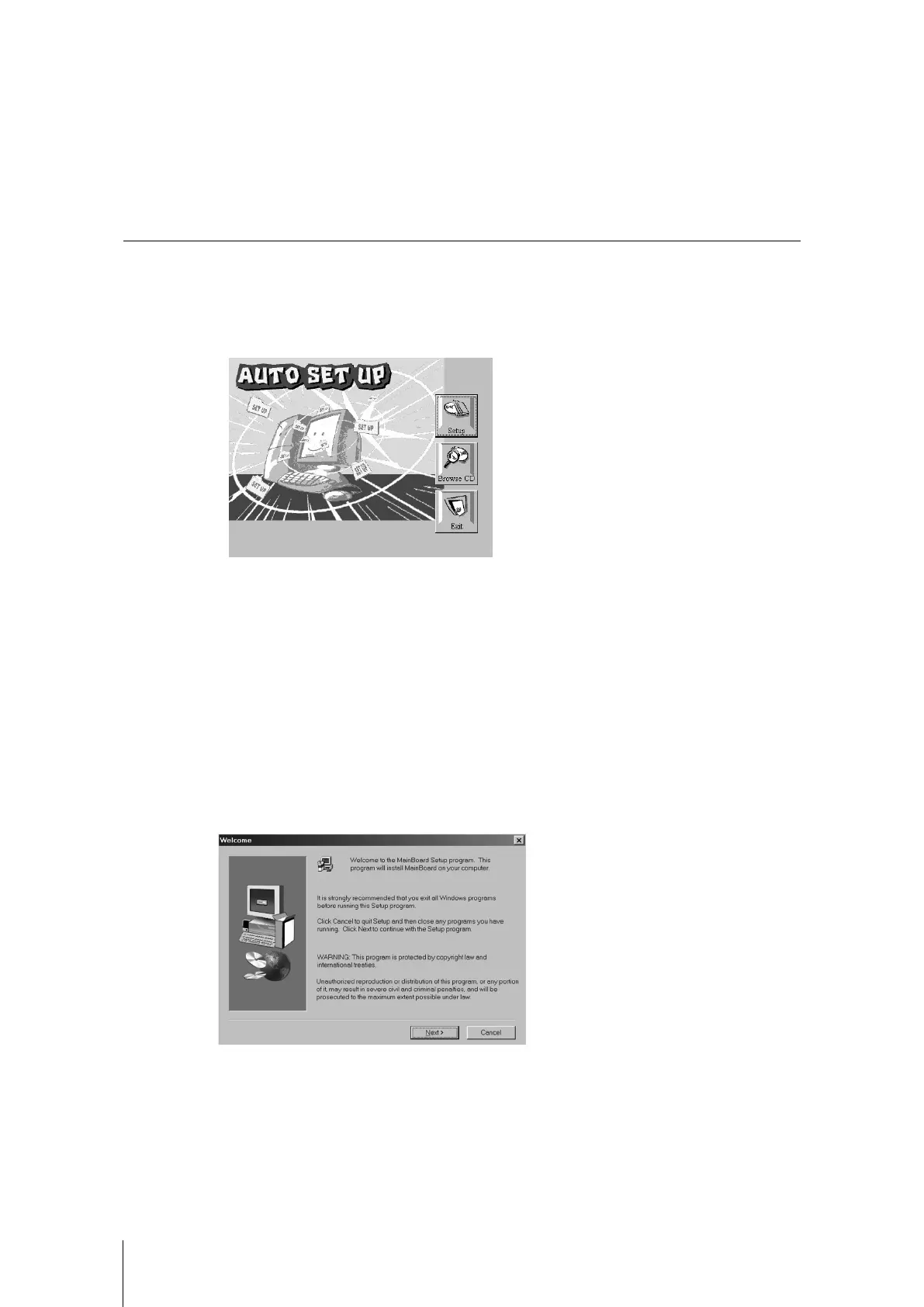
The support software CD-ROM disc loads automatically under Windows 98. When you
insert the CD-ROM disc in the system CD-ROM drive the Autorun feature will
automatically bring up the install screen. The screen has three buttons on it, Setup,
Browse CD and Exit. See the following screen illustration.
When you click on the Setup button the software installation program will run and you
can select what kind of installation you want to do, as explained later in this section.
The Browse CD button is the standard Windows command that allows you to examine
the contents of the disc using the Windows 98 file browsing interface.
The Exit button closes the Auto Setup window. To run the program again, reinsert the
CD-ROM disc in the drive or click on AutoRun in the context sensitive menu for the CD-
ROM drive icon in a file browser window.
Installing Software with Auto Setup
To install support software for the system board follow this procedure:
1. Click on the Setup button. The install program will load and display the following
screen. Click the Next button.



 To Next Page