How to install your system with SCART TV console?
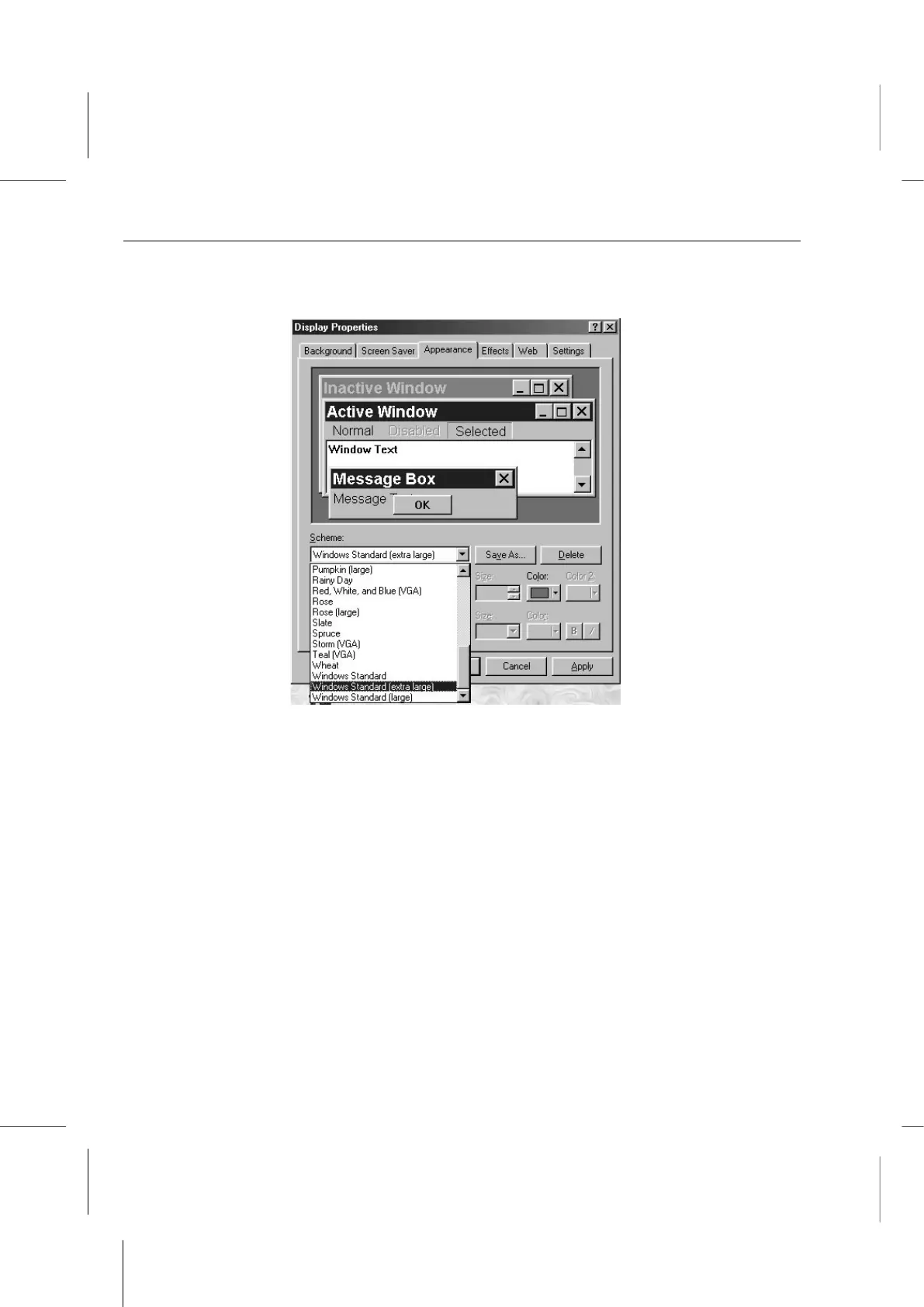
3. Click on the Appearance tab to bring it to the front.
4. Change the appearance Scheme setting to Windows Standard (extra large). Click
on the Scheme scroll arrow to display the Scheme list and scroll down to the setting
and click on it.
5. Click on the Apply button to apply the new appearance setting. Leave the Display
Properties window open and proceed to the next step.



 To Next Page