Book PC
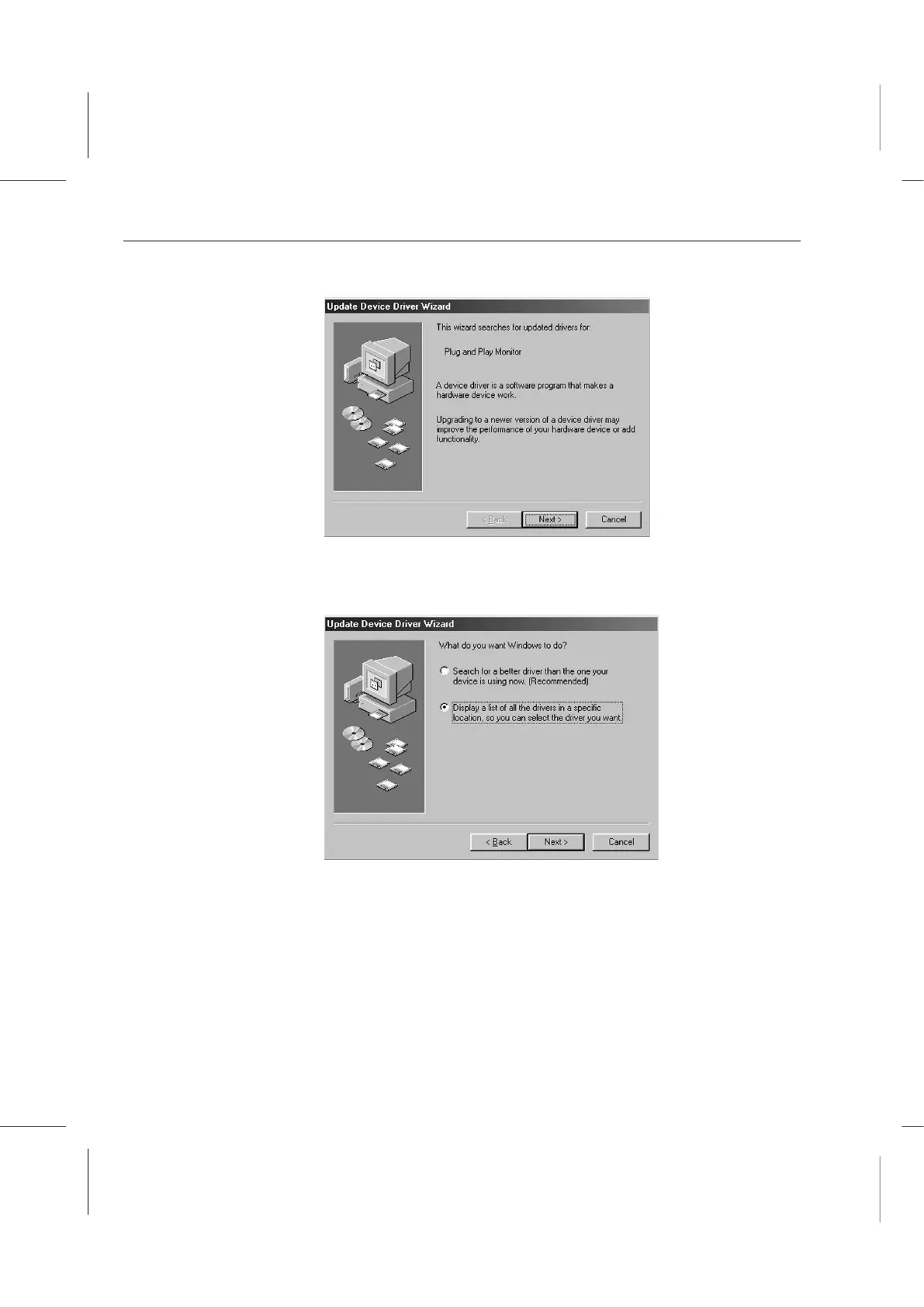
4. The Update Driver Wizard window will appear. Click on the Next button to proceed.
5. In the window that appears, select the item to display a driver list. Click on the radio
button to its left to select it. A black dot will appear in the circle. Click the Next button
to proceed to the next step.
6. Click on the Next button again to skip to the next window.



 To Next Page