Installing Drivers for 6000 Boards
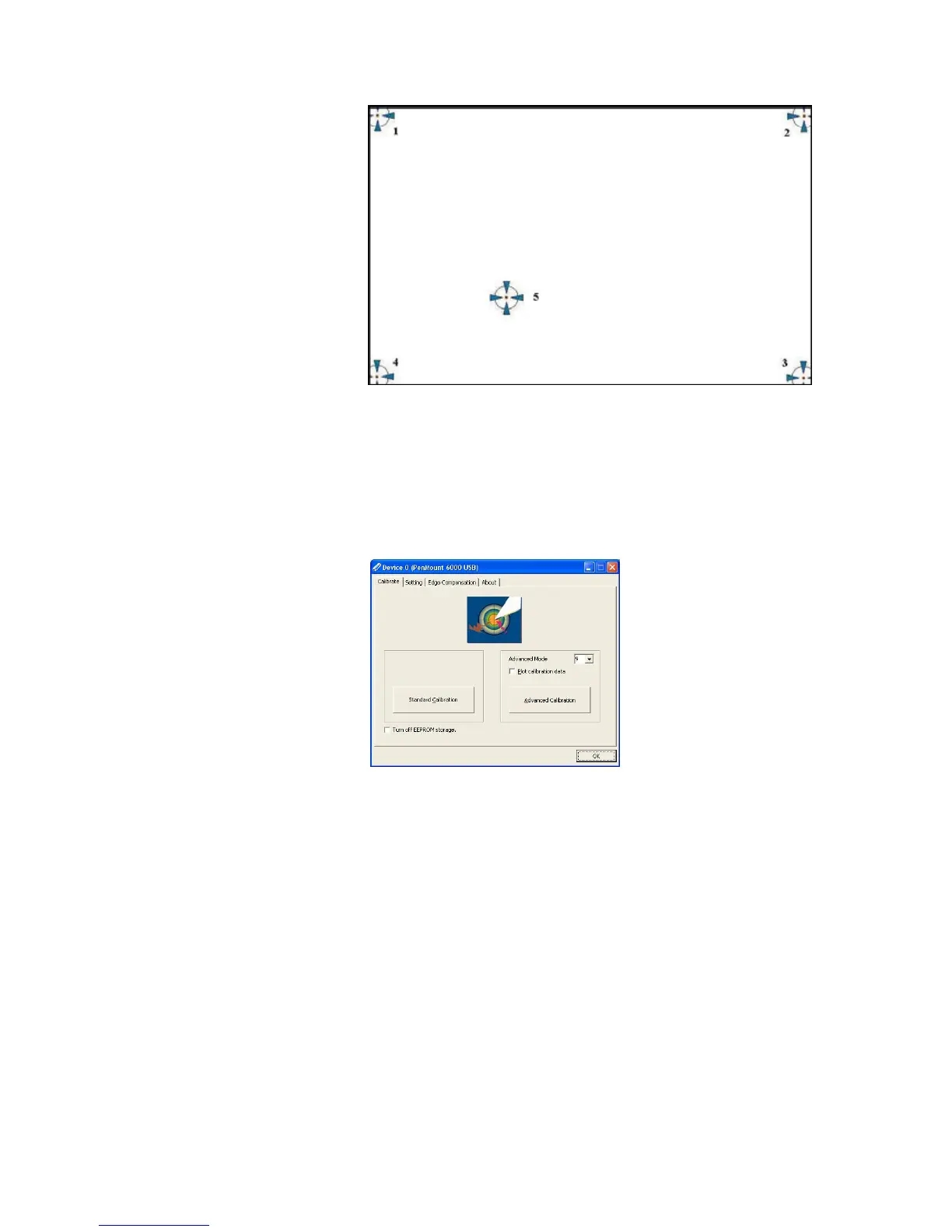
NOTE: The older the touchscreen gets, the more Advanced
Mode calibration points you need for an accurate
calibration. Use a stylus for Advanced Calibration for
greater accuracy. Do the following for Advanced
Calibration:
1. Back in Calibrate tab, press “
Advanced Calibration
” button to
start Advanced Calibration.
NOTE: It is recommended that you use a stylus for Advanced
Calibration for greater accuracy.



 To Next Page