143
7
Settings
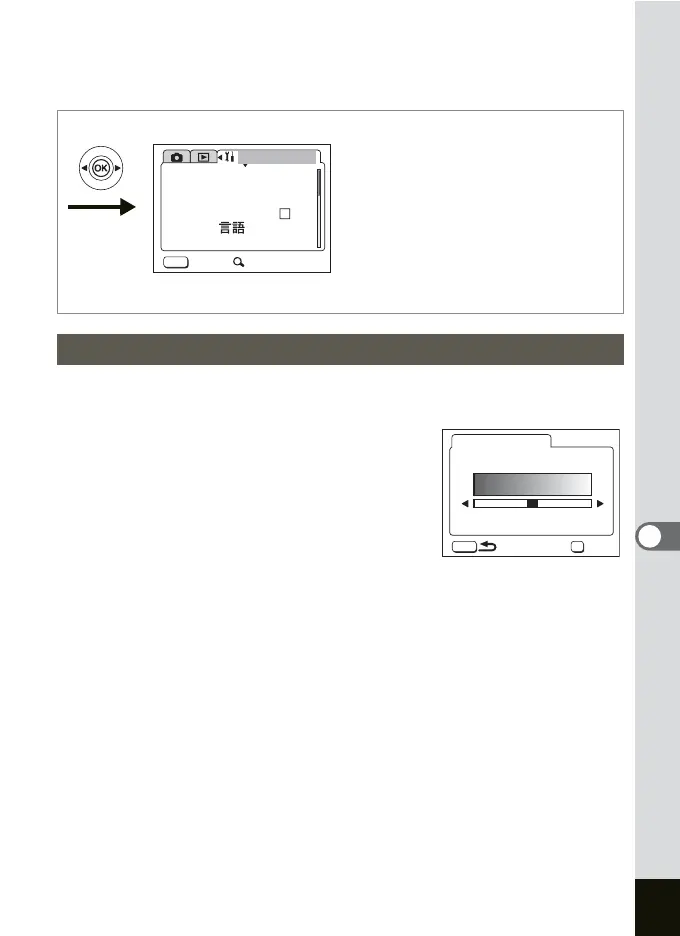
You can adjust the brightness of the LCD monitor.
1 Select [Brightness Level] on the [B Set-up] menu.
2 Press the four-way controller (5).
The Brightness Level screen appears.
3 Use the four-way controller (45)
to adjust the brightness.
The monitor gets darker as the bar slider
moves to the left and brighter as it moves to
the right.
4 Press the MENU button.
The camera is ready to take or play back images.
Adjusting the Brightness of the LCD Monitor
MENU
Set-up
Format
Sound
Date Adjust
Folder Name
Std.
Exit SIMPLE
Language/ English
World Time
MENU
OK
Brightness Level
OK











 To Next Page