81
4
Taking Pictures
Setting the Shooting Functions
The Capture mode is for taking pictures and the Playback mode is for
playing back or deleting images.
• To change from the Capture mode to the Playback mode, press the
Q Playback button.
• To change from the Playback mode to the Capture mode, press the
Q Playback button or press the shutter release button halfway.
Capture Modes
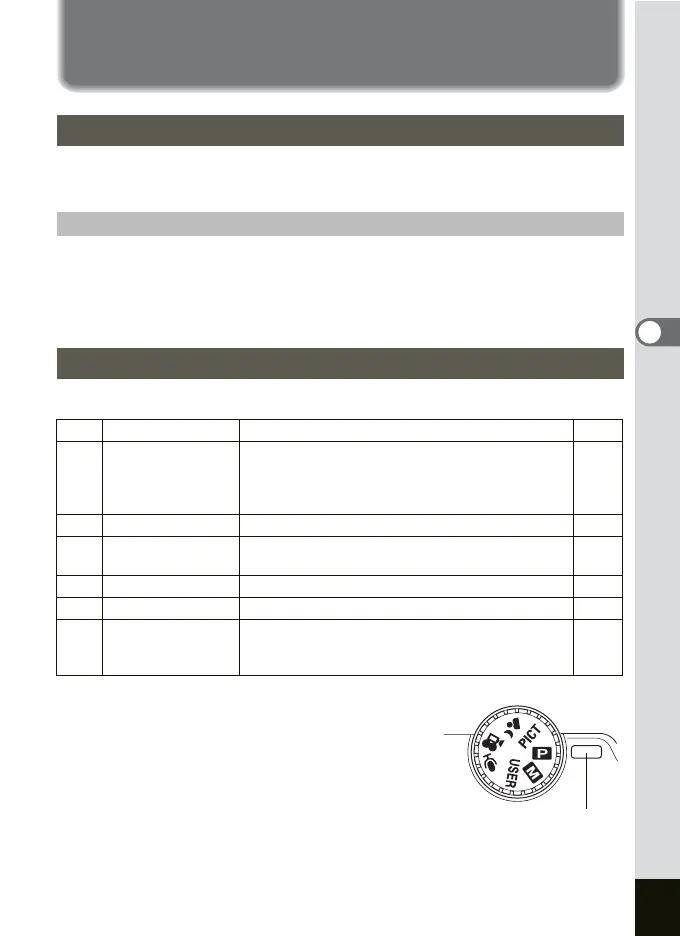
1 Turn the mode dial and match the
indicator with one of the following:
AbEOC.d
Changing the Mode
Switching between the Capture Mode and Playback Mode
Selecting the Capture Mode
A Program mode The basic picture-taking mode.
p.48
b
Manual Exposure
mode
Lets you set the shutter speed and aperture value
manually.
You can also allocate Tv (Shutter-Priority) and Av
(Aperture-Priority) using the [
A
Rec. Mode] menu.
p.49
E
USER mode Lets you activate the preset function settings.
p.54
O
Voice Recording
mode
Lets you use the camera as a voice recorder.
p.108
C
Movie mode Lets you take movies and sounds.
p.56
. Night-Scene mode
Lets you take dark scenes such as night views.
p.55
d
Picture mode
Lets you take pictures with settings appropriate
for the shooting scene. There are 12 available
modes in the Picture mode.
p.58
Indicator











 To Next Page