70
Taking Pictures
4
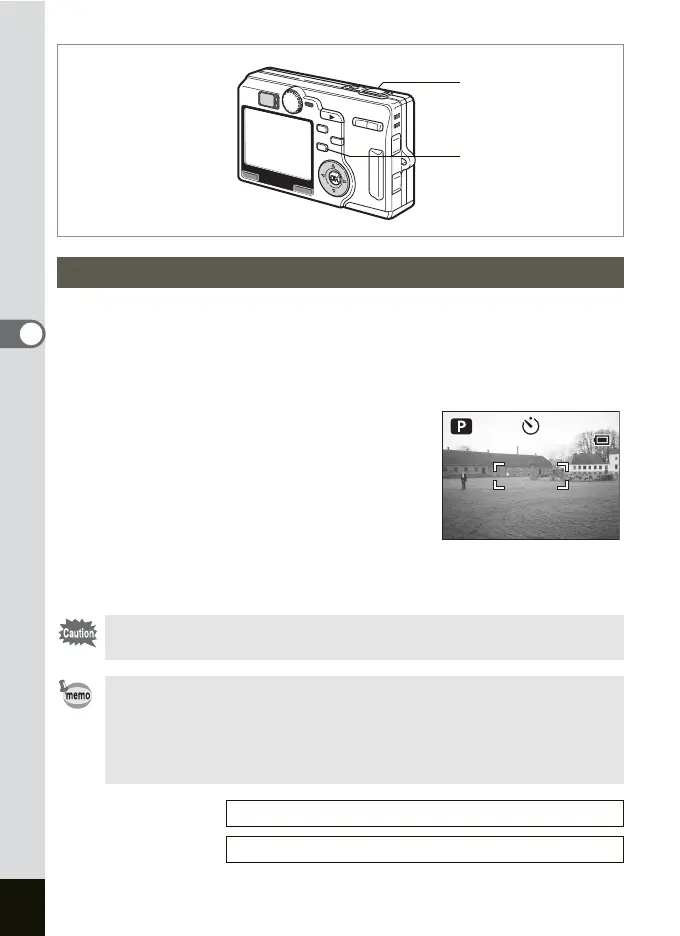
In the self-timer mode, the picture is taken ten seconds or two seconds
after the shutter release button is pressed.
1 Press the gh button in the Capture mode to display g
or r on the LCD monitor.
2 Press the shutter release button.
g The self-timer is engaged and the self-
timer lamp lights for about seven
seconds. The picture is taken
approximately three seconds after the
self-timer lamp starts to blink.
r The self-timer is engaged and the picture
is taken approximately two seconds after the self-timer lamp starts
to blink.
Using the Self-Timer
Focusing may be compromised if you move the camera while the
self-timer lamp is blinking.
• The second count appears if you turn the LCD monitor on.
• To cancel the self-timer, press the MENU button while the second
count is displayed.
• In the 3D Image mode, both the first and second images will be
taken with the self-timer engaged.
Taking Pictures of Yourself 1p.58
Troubleshooting “Subject is not in focus”
1p.165
Shutter release button
gh button
3:00 PM
7/ 7/2004
3:00 PM
7/ 7/2004
046
046











 To Next Page