73
Taking Pictures
4
With the remote control unit E (sold separately), you can change the
magnification using the Zoom button and take pictures using the shutter
button.
1 Press the gh button in the Capture mode to display i
or h on the LCD monitor.
The self-timer lamp blinks slowly and the camera is ready to take
pictures using the remote control unit.
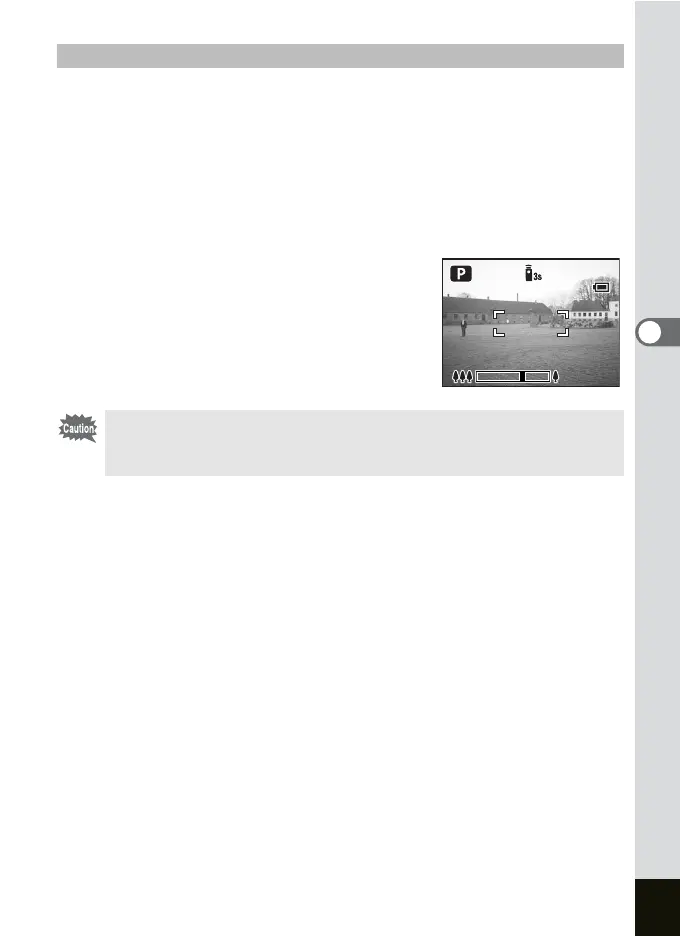
2 Press the Zoom button on the
remote control unit.
The zoom bar is displayed. The zoom
magnification changes each time the zoom
button is pressed.
Using Zoom in the Remote Control Mode
• The digital zoom cannot be used in the Remote Control mode.
• The zoom cannot be used in the Remote Control mode when the
camera is set to the Movie or Super Macro mode.
046
046











 To Next Page