55
Taking Pictures
4
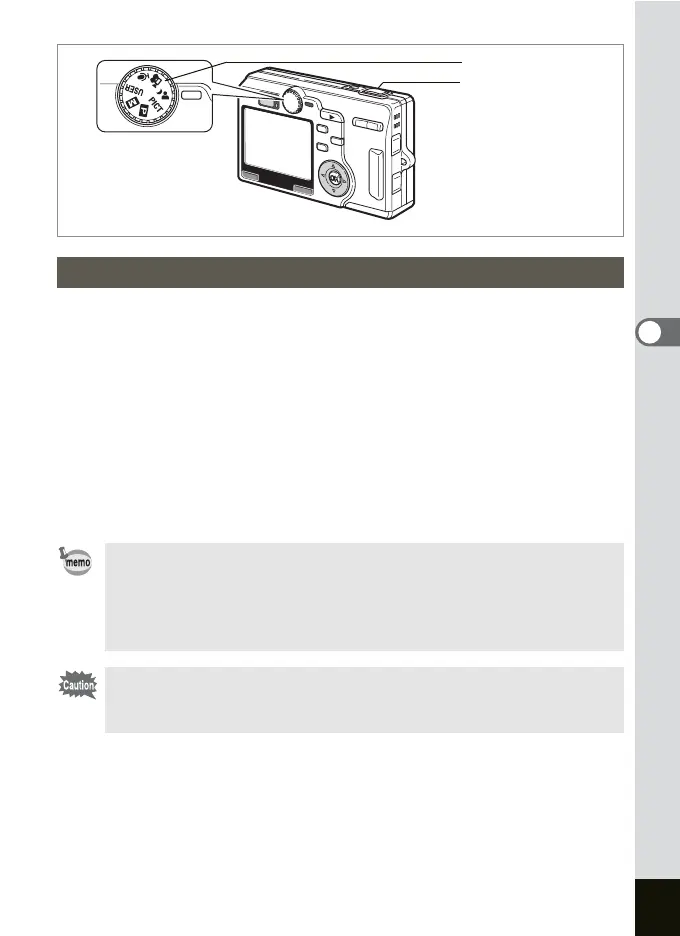
You can take pictures of dark scenes, such as nightscapes, with the
appropriate settings.
1 Set the mode dial to ..
The Capture Mode screen appears.
2 Press the shutter release button halfway.
The focus frame on the LCD monitor will light green when the camera
is in focus.
3 Press the shutter release button.
The picture is taken.
Taking Pictures of Dark Scenes (Night-Scene Mode)
• The total recording time will be longer when the noise reduction
activates in the Night-Scene mode.
• If the USER mode has been set to the Night-Scene mode, the
camera will be ready to take pictures in the Night-Scene mode by
setting the mode dial to USER.
The shutter speed is slower when taking pictures of dark scenes.
To prevent camera shake, secure the camera on a tripod or other
surface.
Mode dial
Shutter release button











 To Next Page