147
7
Settings
You can change the initial date and time settings. You can also set the
style in which the date appears on the camera. Choose [mm/dd/yy],
[dd/mm/yy] or [yy/mm/dd].
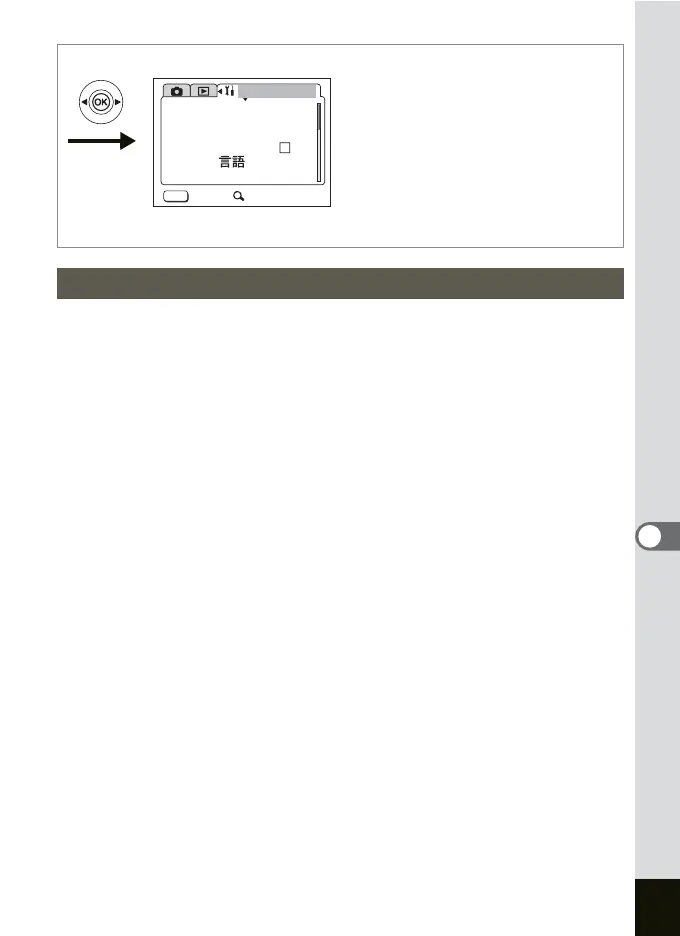
1 Select [Date Adjust] on the SIMPLE menu or the
[B Set-up] menu.
2 Press the four-way controller (5).
The Date Adjust screen appears.
Refer to “Initial Settings” (p.24) for the setting procedure.
Changing the Date and Time
MENU
Set-up
Format
Sound
Date Adjust
Folder Name
Std.
Exit SIMPLE
Language/ English
World Time











 To Next Page