93
Taking Pictures
4
5 Press the OK button and then the MENU button.
The camera is ready to take pictures.
Have a blank sheet of white paper ready.
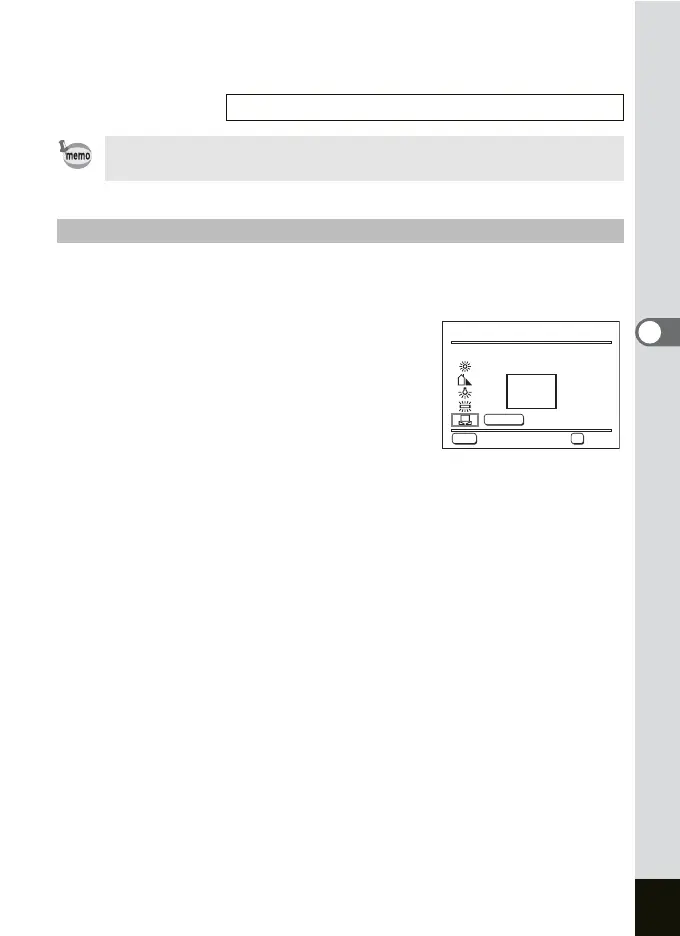
1 Select K (manual) on the White Balance screen.
2 Point the camera at the blank
sheet of paper so that it fills the
frame in the center of the screen.
3 Press the Fn button.
The white balance is automatically
adjusted. [Adjusting] appears on the LCD
monitor while adjusting. [Complete] appears on the LCD monitor when
adjusting is complete and the display returns to the White Balance
screen.
4 Press the OK button and then the MENU button.
The camera is ready to take pictures.
Saving the White Balance 1p.104
The white balance is adjusted to match the flash, regardless of the
white balance setting, when the flash is discharged.
Manual Setting
MENU
OK
Adjust
Cancel
OK
SHUTTER
AWB
White Balance
White Balance
Adjust
Cancel OK











 To Next Page