15
Setting Up the Printer
NOTE:
If the printer doesn’t print the self-test image,
see “Troubleshooting” on page 45.
7 Turn the printer off by pressing
the main switch twice quickly. All
the indicator lights turn off.
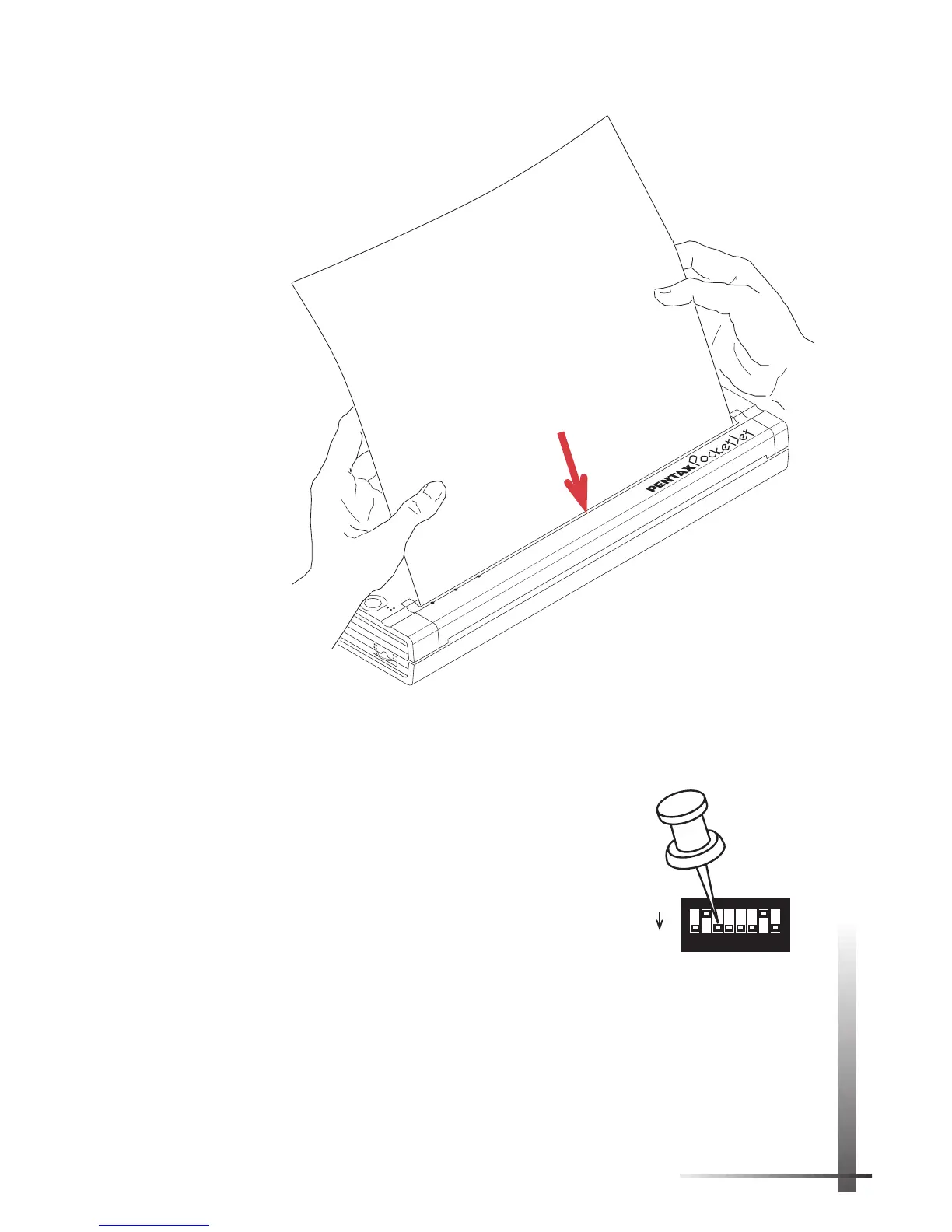
8 Using a pointed object, gently
move DIP switch 3 toward you to
the OFF position.
9 Turn the printer face up again.
It is now ready for use.
NOTE:
If you do not return DIP switch 3 to the OFF
position, the printer will print a self-test sheet every
time you power up the printer.
POWER
DATA
BATTERY
ON
OFF
Non-coated,
less-smooth
side of paper
FIGURE 10. Inserting a test sheet.
SW1
ON
OFF
1
2
3
4
5
6
7
8



 To Next Page