41
Reference
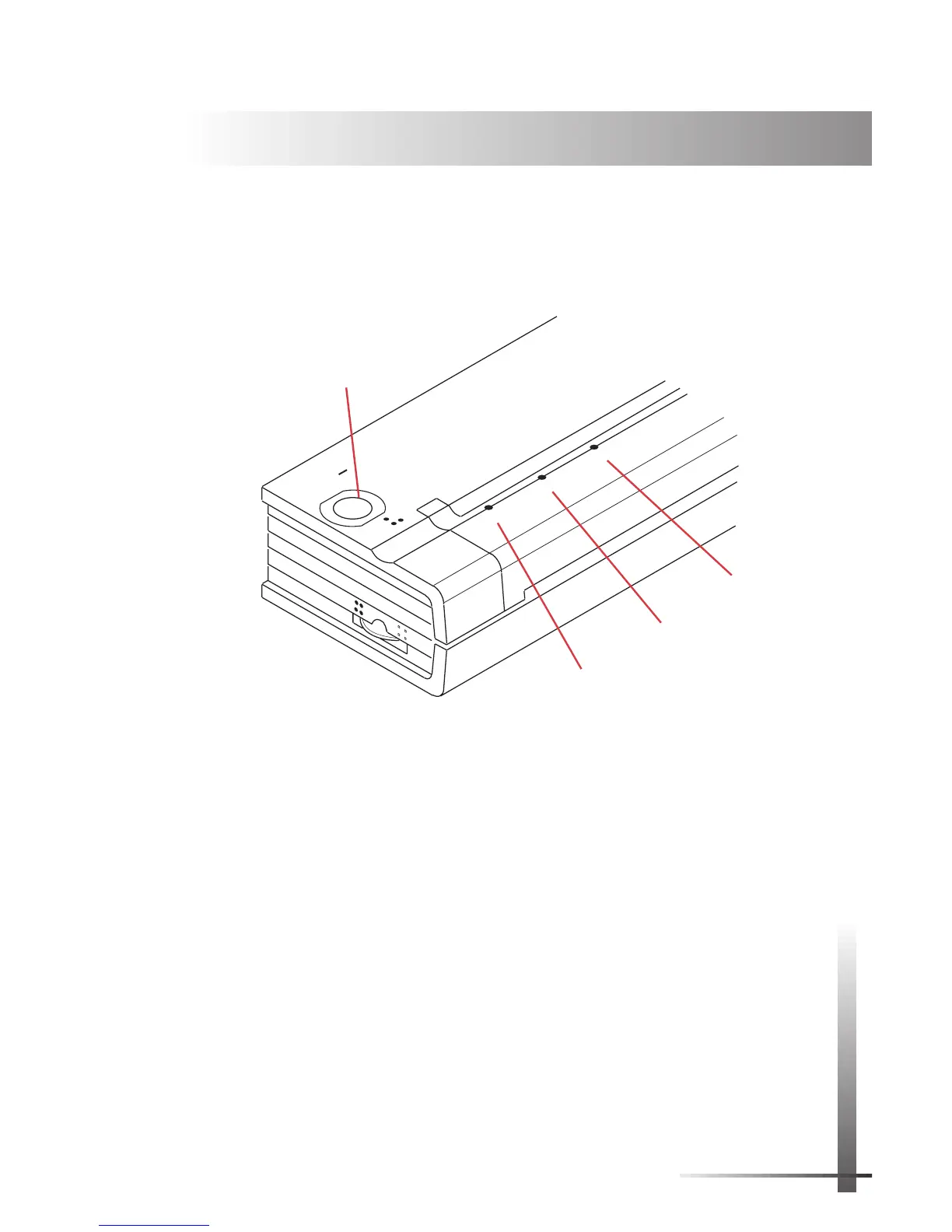
Using the Operation Panel
The operation panel consists of the main switch and three
indicator lights.
See Figure 21.
Main Switch Functions
Power On: Push once quickly while the printer is off.
Form Feed: Push once quickly while the printer is on and a
partial page has been sent to the printer.
Power Off: Push twice quickly.
NOTE:
The printer automatically powers off when it is
running under battery power and it has not received
any data for 60 seconds (if the auto-off timer is ac-
tive). See page 29.
Charge battery: Push once and hold for several seconds
until the green BATTERY indicator stays lit. When the printer
finishes discharging the battery, it starts to charge the
battery, and the green BATTERY indicator starts to blink.
Reference
CHAPTER
5
POWER
DATA
BATTERY
CHARGE
REFRESH
ON
OFF
2
Main
Switch
Red POWER
Indicator
Green DATA
Indicator
Green BATTERY
Indicator
FIGURE 21. Operation panel.



 To Next Page