30 Pentax PocketJet Printer User’s Guide
Making Prints Lighter or Darker
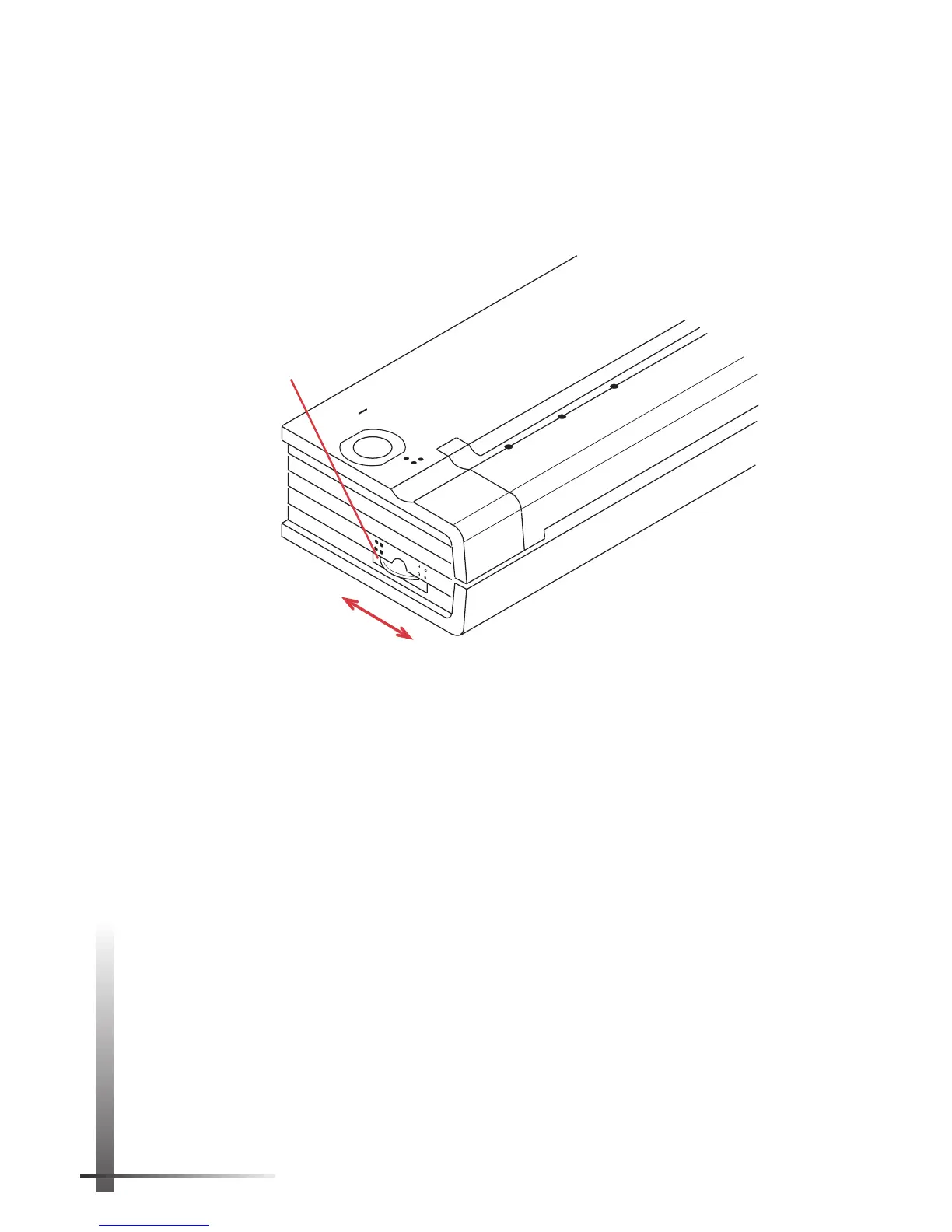
You can make prints lighter or darker with the density dial
on the side of the printer near the main switch. The larger
the number you select, the darker the print becomes.
See
Figure 15.
Try setting the density to 5; then adjust it to suit your taste.
You can change the density setting while printing. Watch
the print turn lighter or darker as you turn the density dial.
NOTE:
Changing the density setting results in changes
to the printer’s speed and the number of pages that
can be printed on a battery charge.
POWER
DATA
BATTERY
CHARGE
REFRESH
ON
OFF
2
0
Lighter
10
Darker
Density
dial
FIGURE 15. Using the density dial.



 To Next Page