28 Pentax PocketJet Printer User’s Guide
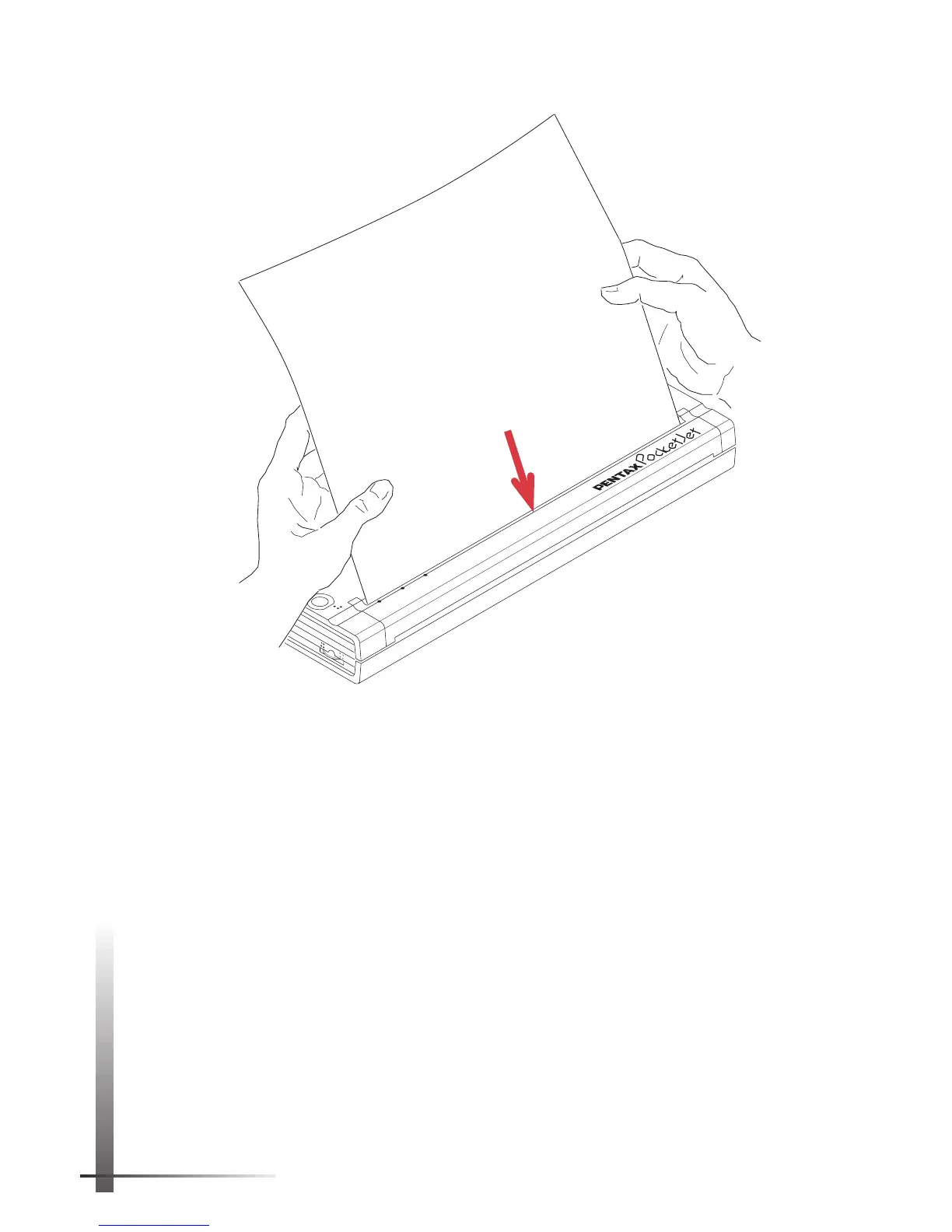
FIGURE 14. Inserting a sheet of paper.
POWER
DATA
BATTERY
ON
OFF
Non-coated,
less-smooth
side of paper
NOTE:
If you have inserted paper into the input slot
and the green DATA indicator light stays on (without
blinking), the printer has received an insufficient
amount of data to print an entire page. This situation
occurs normally in some software applications when
a partial page remains to be printed at the end of a
print job.
You can print the partial page by pushing the main
switch once quickly after you have loaded the paper.



 To Next Page