38 Pentax PocketJet Printer User’s Guide
7 Turn off the printer by pressing the main switch twice
quickly.
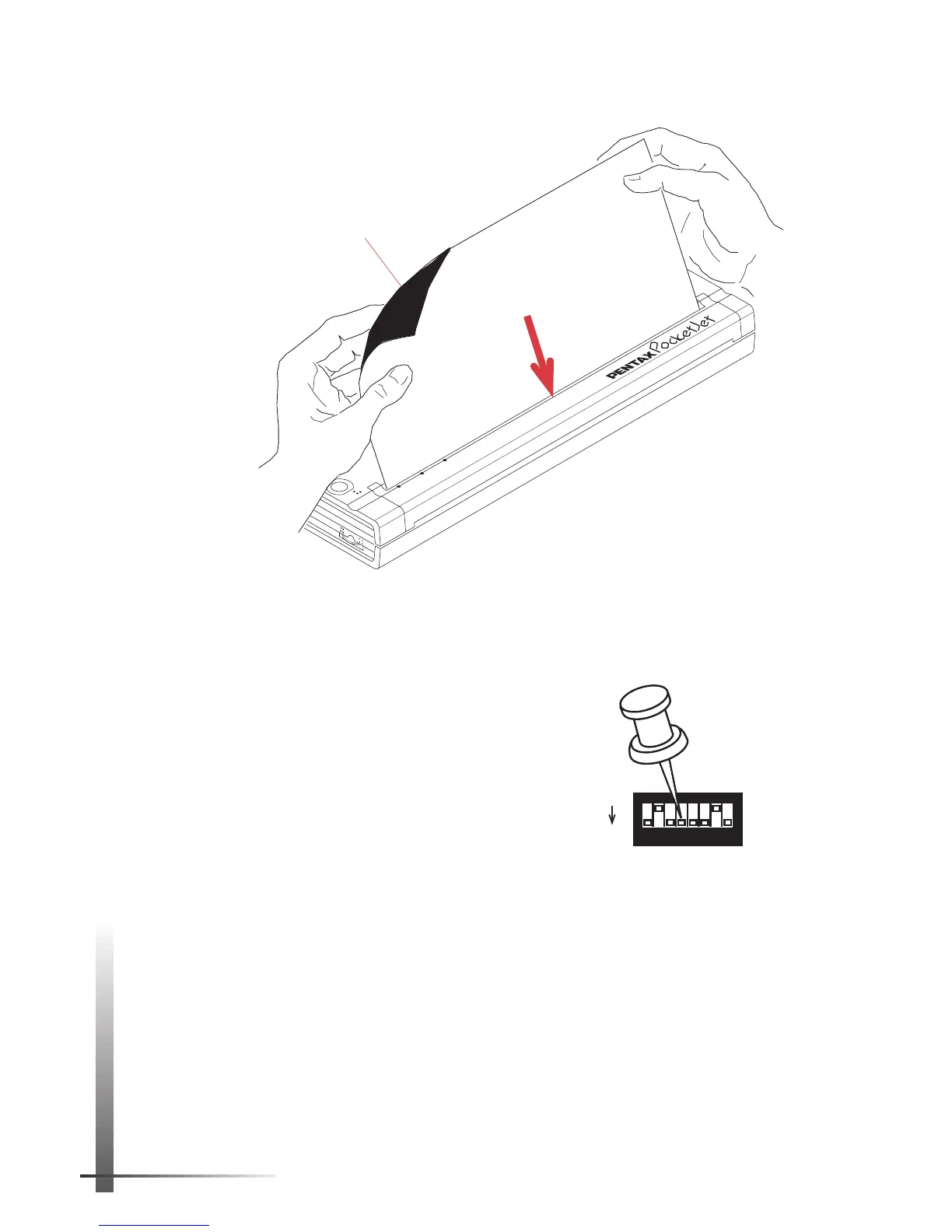
8 Set the printer face down so
that the paper outlet slot is
away from you.
9 Using a pointed object,
gently move DIP switch 4 toward
you to the OFF position.
10 Turn the printer face up again. It is now ready for use.
NOTE:
Don’t throw the cleaning cloth away after you
clean the print head. It should last for the life of the
printer. Keep the cleaning cloth with your printer sup-
plies and use it whenever you need to clean the print
head.
POWER
DATA
BATTERY
ON
OFF
Cleaning
side
FIGURE 18. Inserting the cleaning cloth.
SW1
ON
OFF
1
2
3
4
5
6
7
8



 To Next Page