110
3
Taking Pictures
Setting the Shooting Functions
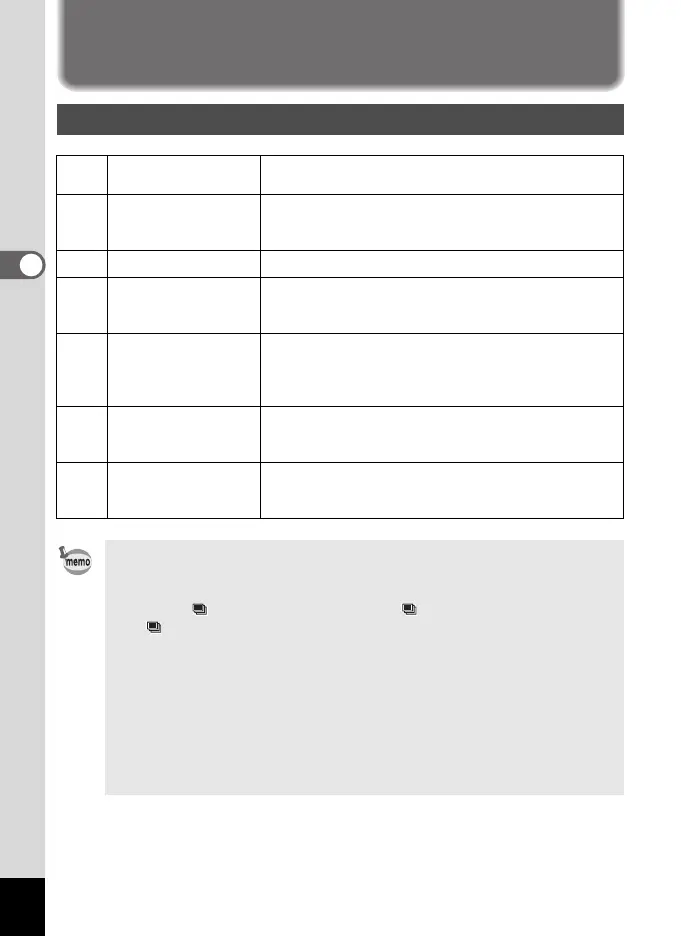
Selecting the Flash Mode
,
Auto
The flash discharges automatically depending on the
light conditions.
a
Flash Off
The flash does not discharge, regardless of the
brightness. Use this mode to take pictures where flash
photography is prohibited.
b
Flash On The flash discharges regardless of the brightness.
c
Auto + Red-eye
This mode reduces the phenomenon of red eyes
caused by the light from the flash being reflected in the
subject’s eyes. The flash discharges automatically.
d
Flash On + Red-eye
This mode reduces the phenomenon of red eyes
caused by the light from the flash being reflected in the
subject’s eyes. The flash discharges regardless of the
light conditions.
G Slow-speed Sync
For taking bright pictures of both people and
background indoors and outdoors at night. The flash
discharges automatically.
H
Slow-speed Sync
+Red-eye
For reducing red eye caused by the flash being
reflected in the subject's eyes. The flash discharges
automatically.
• The flash mode is fixed at a in the following situations:
- When C (Movie), S (Fireworks) or n (Stage Lighting) is selected
as the capture mode.
- When (Continuous Shooting(L)), (Continuous Shooting(M)) ,
(Continuous Shooting(H)) or l (Auto Bracket) is selected as the
drive mode.
- When s (Infinity) is selected as the focus mode.
•In 9 (Green) mode, you can only select , or a.
•In A (Night Scene), b or a mode, you cannot select ,, c, E and d.
•In c mode, you cannot select , and c.
• If you use Face Recognition function when , is selected, the mode is
automatically set to d.
• A pre-flash discharges when using the red-eye reduction function.
LL MM
HH
e_kb484.book Page 110 Wednesday, March 18, 2009 5:23 PM



 To Next Page