115
3
Taking Pictures
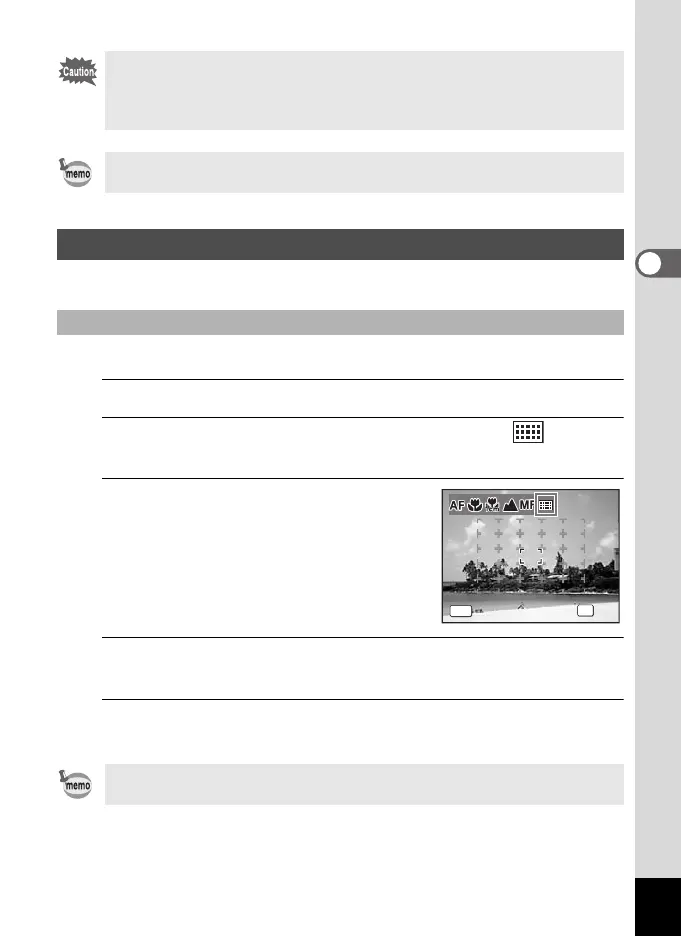
Select an area to focus on for use during shooting.
With this mode, you can select a location to focus on from 25 points.
1
In A mode, press the four-way controller (5).
2
Use the four-way controller (45) to select (AF
Area Selection).
3
Press the 4 button.
The [AF Area Selection] screen appears
with the central portion selected.
4
Select the position you want to focus on with the four-
way controller (2345).
5
Press the 4 button.
The focus is fixed and the camera returns to capture status.
• The shooting mode and drive mode cannot be changed while the \
indicator is displayed.
• To focus at 1 cm in \ mode, turn the zoom lever and set the zoom
position to the 1 cm indicator on the zoom bar.
To switch from \ to another focus mode, press the four-way controller
(5) while the \ indicator is displayed.
AF Area Selection
Select a location to focus on (AF Area Selection)
To switch to another focus mode, press the 3 button while the [AF
Area Selection] screen is displayed.
MENU
OK
OK
Cancel
OK
Cancel
Focus Mode
AFArea Selection
Focus Mode
AFArea Selection
e_kb484.book Page 115 Wednesday, March 18, 2009 5:23 PM



 To Next Page