215
7
Settings
You can reset the camera settings to their defaults. Refer to “Default
Settings” (p.249) for the reset settings.
1
Press the 3 button in Q mode.
The [W Setting] menu appears.
When you press the 3 button in A mode, press the four-way
controller (5) once.
2
Use the four-way controller (23) to select [Reset].
3
Press the four-way controller (5).
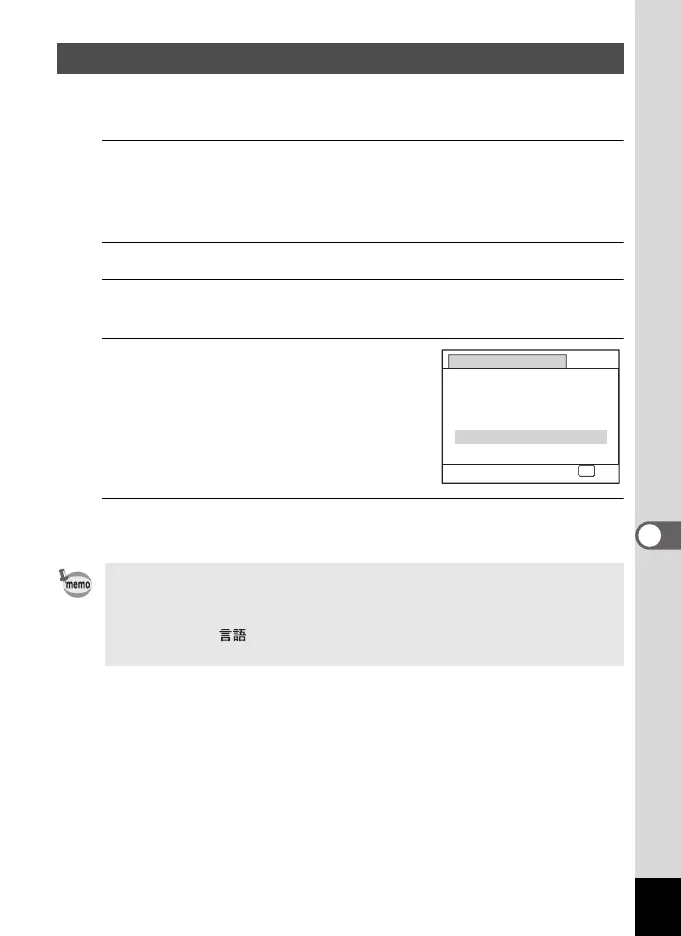
The [Reset] screen appears.
4
Use the four-way controller (2) to
select [Reset].
5
Press the 4 button.
The settings return to the defaults.
Resetting to Default Settings (Reset)
The following settings are not affected by resetting:
- Date Adjust
-World Time
- Language/
-Video Out
Reset
Reset to
initial setting?
Reset
Cancel
OK
OK
e_kb484.book Page 215 Wednesday, March 18, 2009 5:23 PM



 To Next Page