212
7
Settings
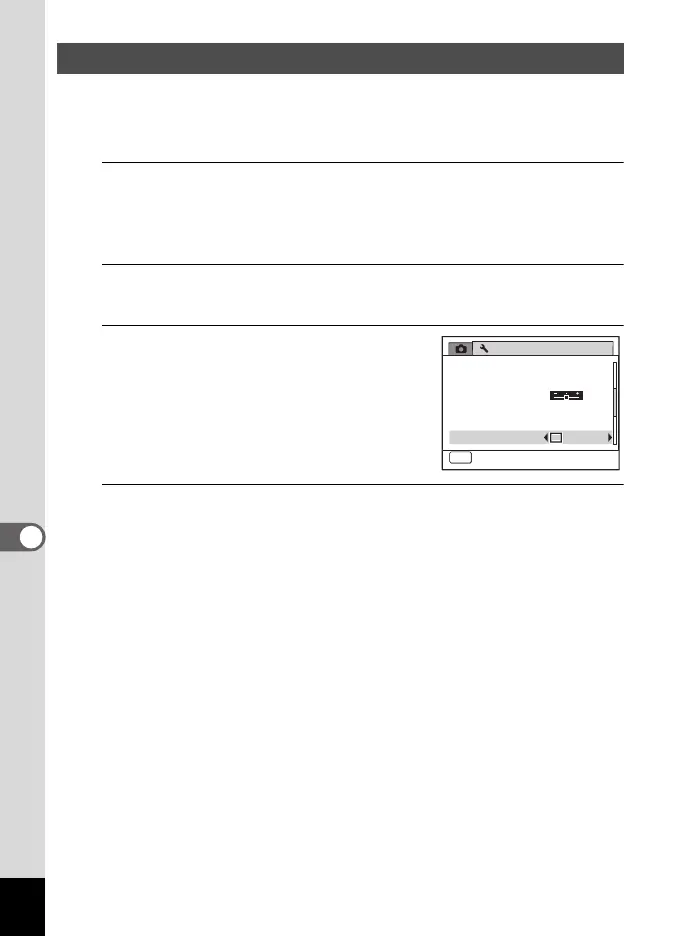
You can set whether to use [Quick Zoom] to magnify playback images to
a maximum of 10x by simply turning the e-dial to the right during
playback of images in Q mode.
1
Press the 3 button in Q mode.
The [W Setting] menu appears.
When you press the 3 button in A mode, press the four-way
controller (5) once.
2
Use the four-way controller (23) to select [Quick
Zoom].
3
Use the four-way controller (45)
to select O (On) or P (Off).
O(On): The Quick Zoom is available.
P (Off): The Quick Zoom is not available.
4
Press the 3 button.
The camera returns to A mode or Q mode.
Setting the Quick Zoom Function
Setting
Power Saving
Auto Power Off
3
min.
5
sec.
Video Out
Brightness Level
2/3
MENU
Exit
NTSC
Quick Zoom
USB Connection
MSC
e_kb484.book Page 212 Wednesday, March 18, 2009 5:23 PM



 To Next Page