72
3
Taking Pictures
2
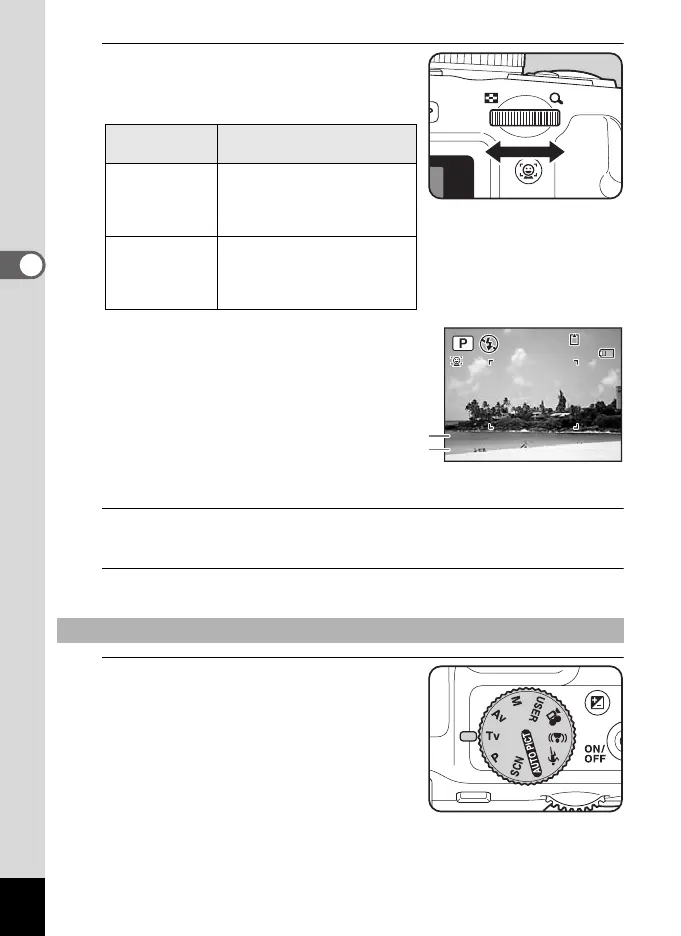
Turn the e-dial to change the
shutter speed and aperture while
maintaining the proper exposure.
3
When using the flash, press the b button.
The flash pops up. (p.112)
4
Take a picture.
1
Set the mode dial to b.
Direction to
turn the e-dial
Effect
Right
The shutter speed
decreases by increments of
1/3EV and the aperture is
closed by 1/3EV.
Left
The shutter speed increases
by increments of 1/3EV and
the aperture is opened by 1/
3EV.
Using the b (Shutter Priority) Mode
F4.5
1/250
F4.5
1/250
38
38
04/02/2009
04/02/2009
14:25
14:25
Shutter speed
Aperture
This allows you adjust blurring in the image.
e_kb484.book Page 72 Wednesday, March 18, 2009 5:23 PM



 To Next Page