24 – Embroidery Preparations
Designs
Connecting the Embroidery Unit
Removing the Embroidery Unit
180 designs are included in the machine memory.
These designs, along with the ten built-in embroi-
dery fonts, are shown on the screen in the Embroi-
dery Mode.
Note: Your machine can only load embroidery les in the
.VP3 format.
When embroidering always place your sewing
machine and embroidery unit on a single, at, and
sturdy surface. Make sure there is enough space
around your machine as the embroidery arm and
hoop will move and take up a lot of room.
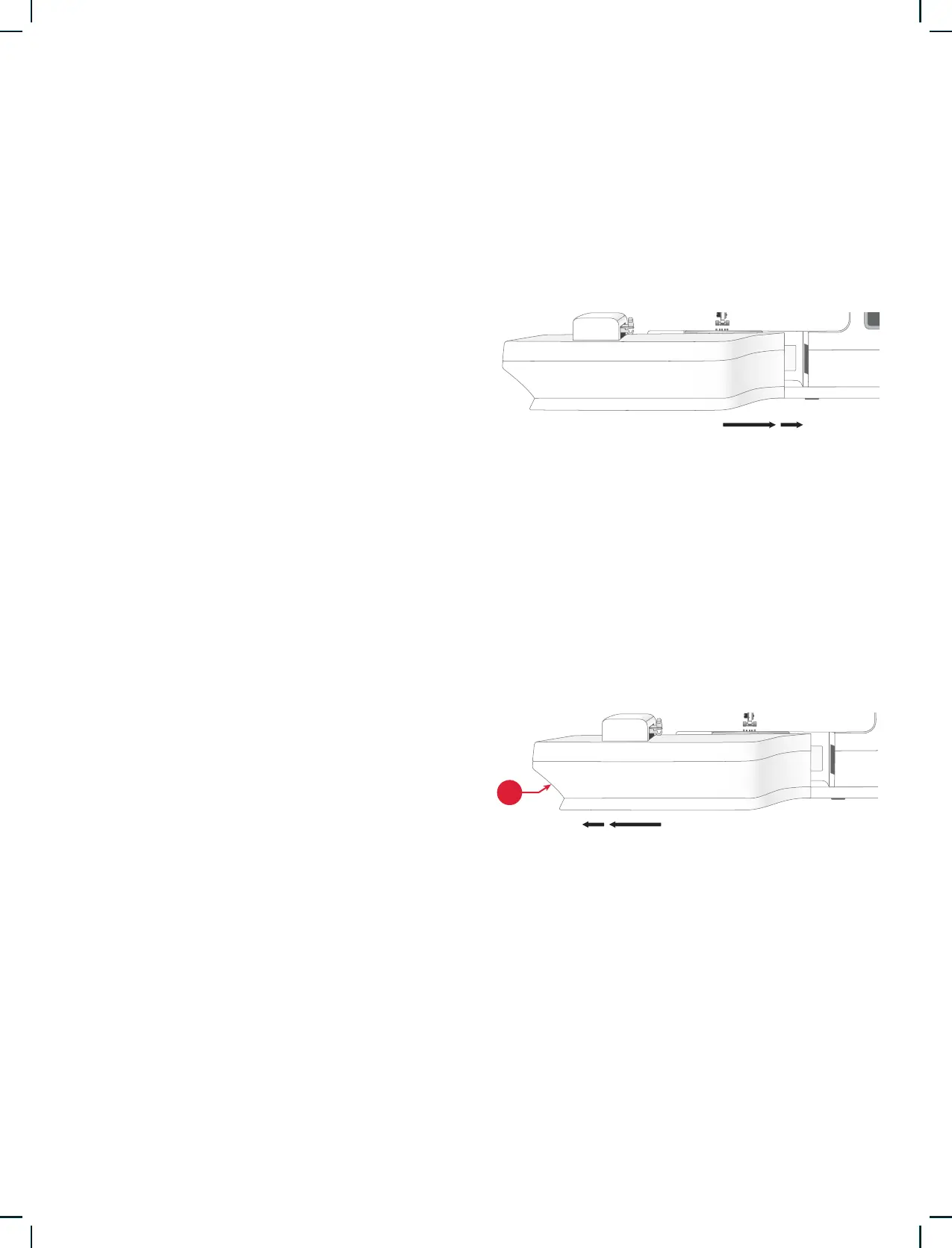
1. Slide the accessory tray off.
2. Slide the embroidery unit onto the free arm of
the machine until it plugs rmly into the socket
at the front of the machine.
3. After sliding the embroidery unit on, a pop-up
message tells you to clear the embroidery area
and remove the hoop before calibration. Touch
OK. The machine will calibrate and the embroi-
dery arm will move to the ready position. The
machine enters the embroidery mode every time
the unit is attached.
1. Press the button at the left, underneath the em-
broidery unit (A) and slide the unit to the left to
remove it.
2. Store the embroidery unit in the original white
styrofoam packing material.











 To Next Page