36 – Sewing
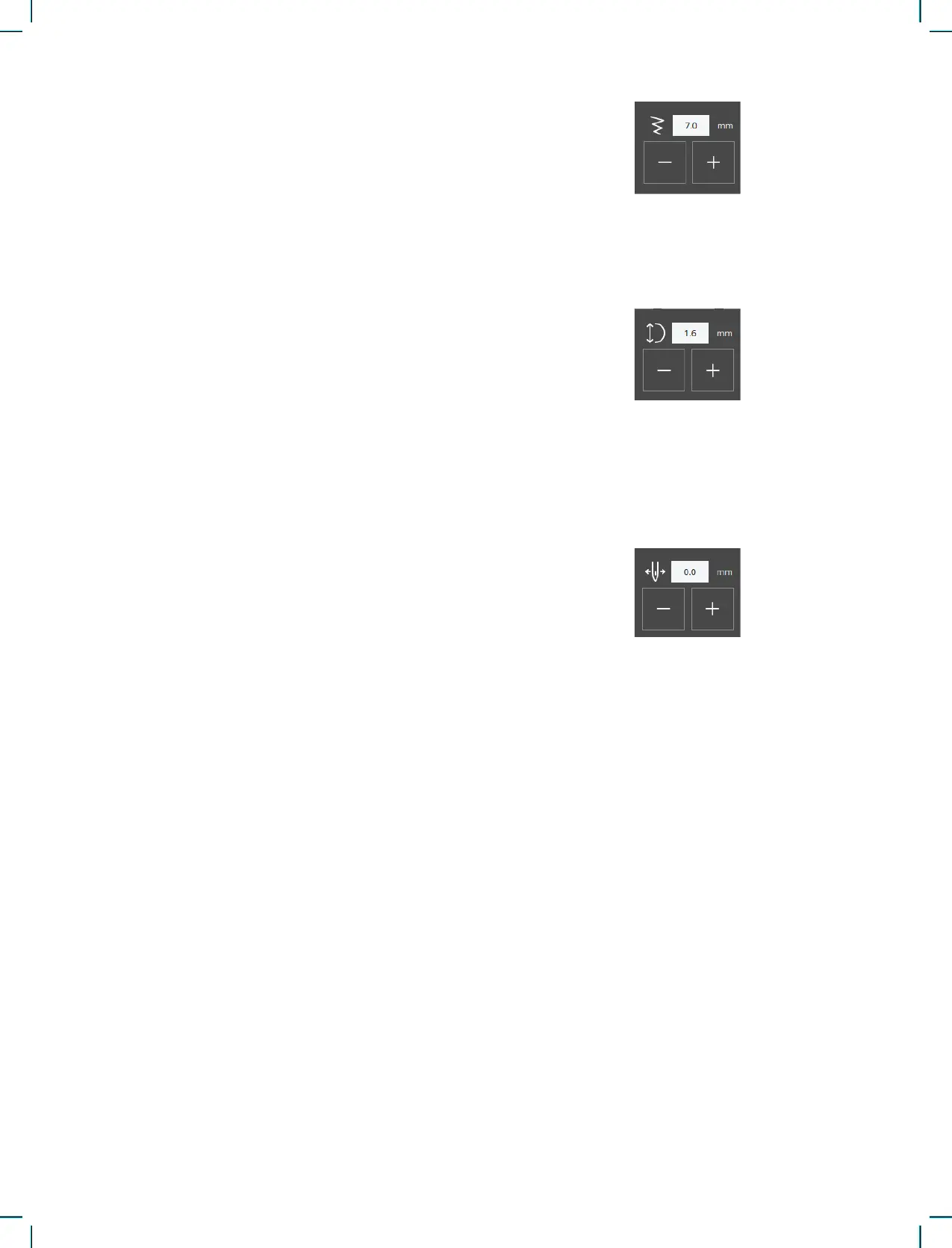
Stitch Width
Stitch Length
Needle Position / Stitch Positioning
Increase or decrease the stitch width using + and -
in the control. The number above the control shows
stitch width in millimeters (mm).
Changed stitch position may limit the stitch width
adjustments.
Increase or decrease the stitch length using + and –
in the control. The number above the control shows
the set stitch length in mm/inch. If lengthening a
zigzag stitch or a decorative stitch, the entire stitch
will be stretched out.
On certain stitches with a width less than 7mm it is
possible to change the stitch position. Use + to move
the stitch to the right and - to move the stitch to the
left. The number above the control shows the nee-
dle start position in mm/inch in relation to center
needle position. The machine has a maximum of 29
needle positions (for a straight stitch).
The stitch position can only be changed to the limit
of the maximum stitch width. Changing the stitch
positioning will also limit the stitch width adjust-
ments.
Tie-Off
The tie-off function is used to secure a stitch. Tie-
offs consist of four stitches performed at the same
spot. To activate or deactivate the tie-off function,
simply touch the button in the settings menu. When
you begin sewing with the tie-off function enabled,
the machine will sew a few tie-off stitches before
continuing with the selected stitch. However, if
the machine has stopped before the Cut button is
pressed, no tie-off stitches will be performed before
cutting.
Once a cut has been made, the machine will auto-
matically start with tie-off stitches the next time you
begin sewing.
Note: The tie-off function can be selected for all stitches
except buttonholes











 To Next Page