54 – Embroidery Stitch-out
Step Stitch-by-Stitch/Go to Stitch
Touch + to step forward and - to step backwards
stitch by stitch. Move backwards a few stitches, e.g.,
after the upper thread breaks or runs out, to ensure
that the thread will be secured. Touch & hold to
move through the stitches more rapidly. The cursor
on the screen will follow the stitches in the embroi-
dery area.
To go to a particular stitch within the color block,
touch the go to stitch button and enter the stitch
number. If the number entered is too large, the ma-
chine will move to the last stitch in the current color
block.
Return To Embroidery Edit
Number of Stitches in Current Color Block
Touch this icon to return to Embroidery Edit if you
want to make adjustments to your design(s). A pop-
up message will appear asking if you want to return
to Embroidery Edit because any changes made in
Embroidery Stitch-Out will be lost.
The current stitch position in the current color block
is shown next to the stitch icon. The numbers on
the right shows the total number of stitches in the
current color block.
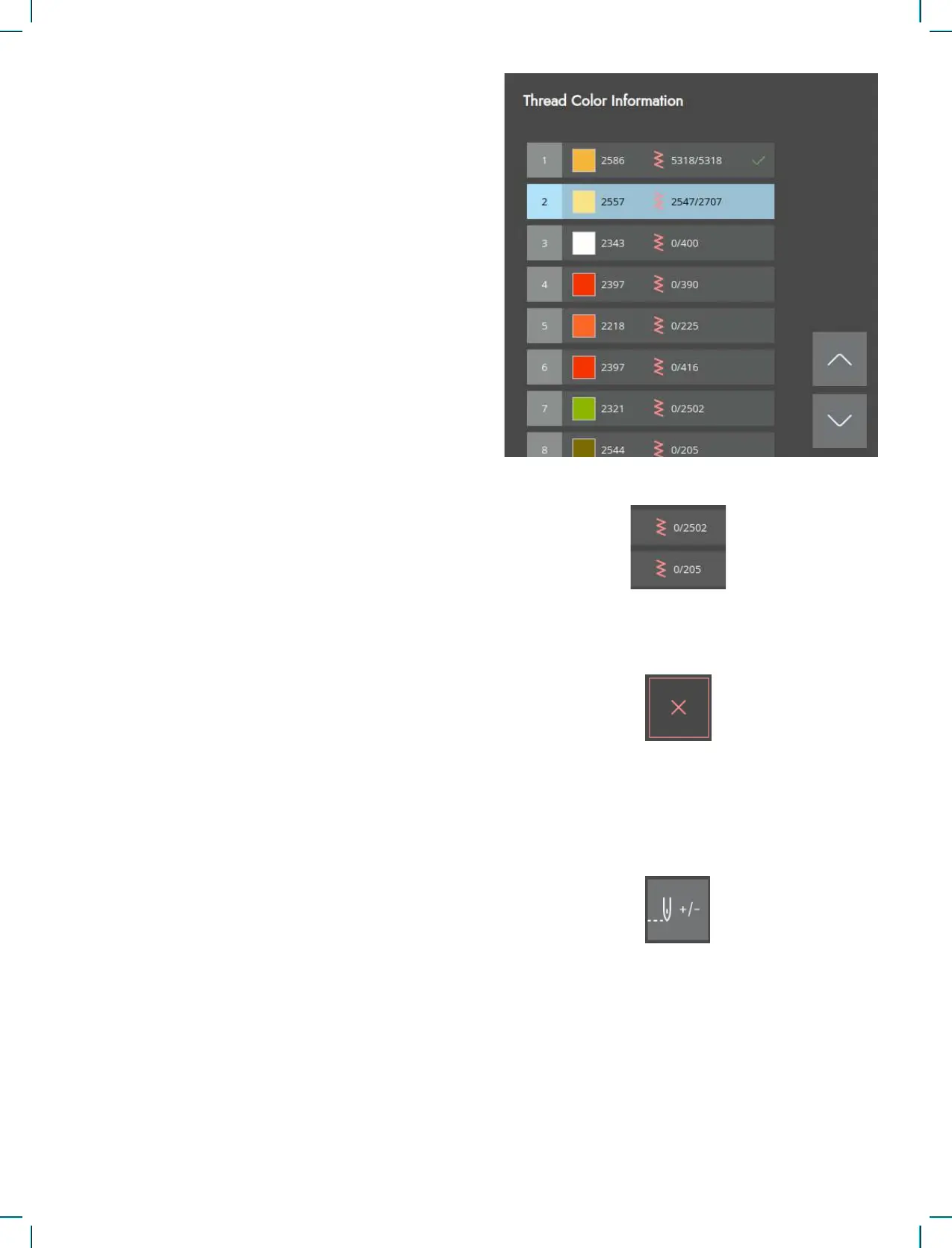
Thread Color Blocks
All colors in the loaded design(s) are shown in the
order they will be embroidered with thread color
blocks.
Touch the Color List to view a full list of all colors
used in the design. Touch the arrows in the color list
to see all of the color blocks.
Open the Go to Stitch / Color Change to activate the
next or previous color block in the color block list by
touching a different color block.











 To Next Page