14
Get started
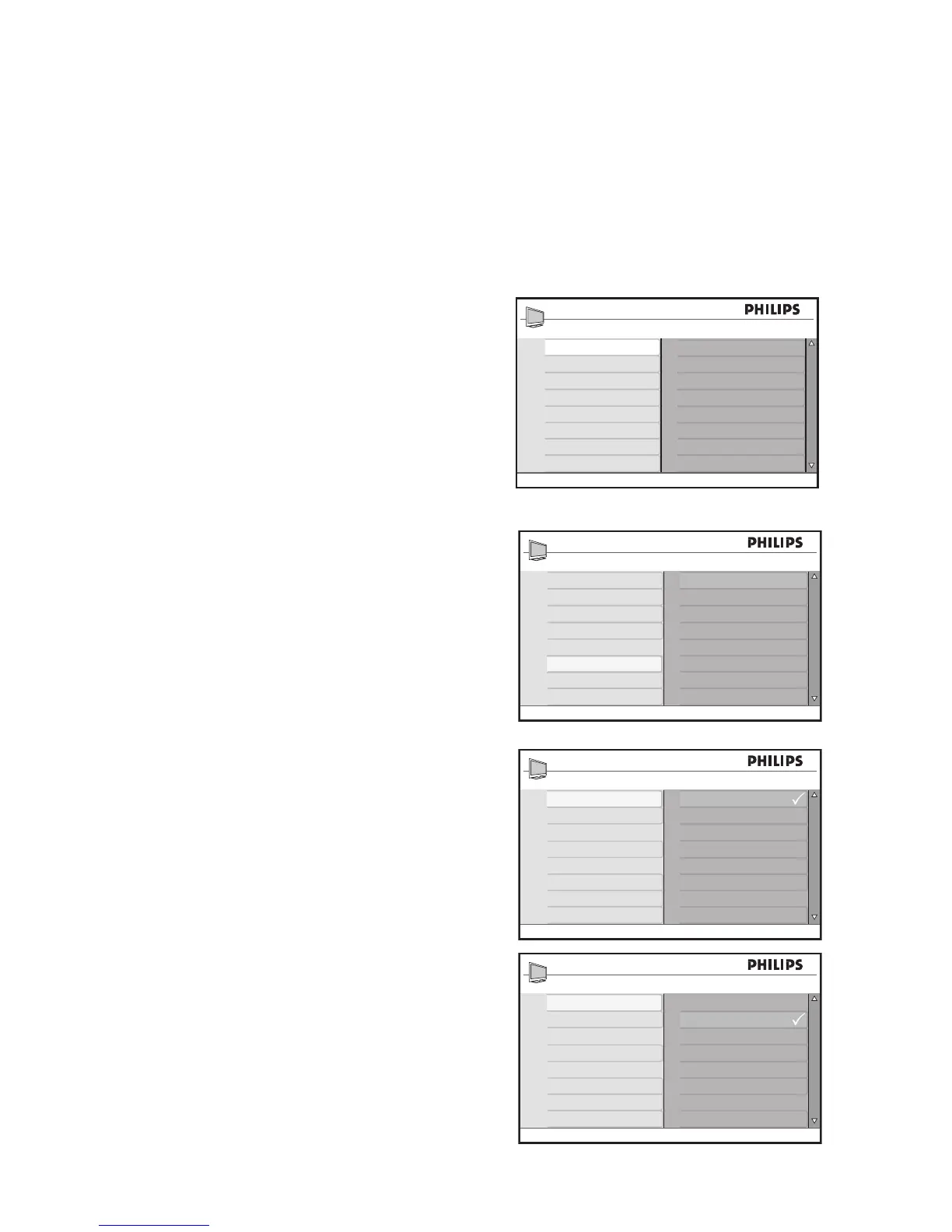
Select your location
When you switch on your TV for the first
time, the on-screen display will prompt you
to select your location.
Press 1. Î or ï to select Home or Shop.
Press 2. u to confirm your choice.
Select your on-screen menu
language (TV mode only)
Before using the on-screen menus, select
your menu language.
Press 1. H to display the on-screen menus.
Press 2. ï until Install is highlighted.
Press 3. u to select Language.
The available languages are displayed.
Press 4. u to highlight the first language
or press ï to select the other available
languages.
Press 5. u to select the Language.
Press 6. H to exit.








 To Next Page