16
Manual installation
You can manually set the TV tuner and
system as well as fine tune the channels.
Change the Tuner Mode
If you have problems using Auto Program
to search for channels, you can manually set
the tuner system.
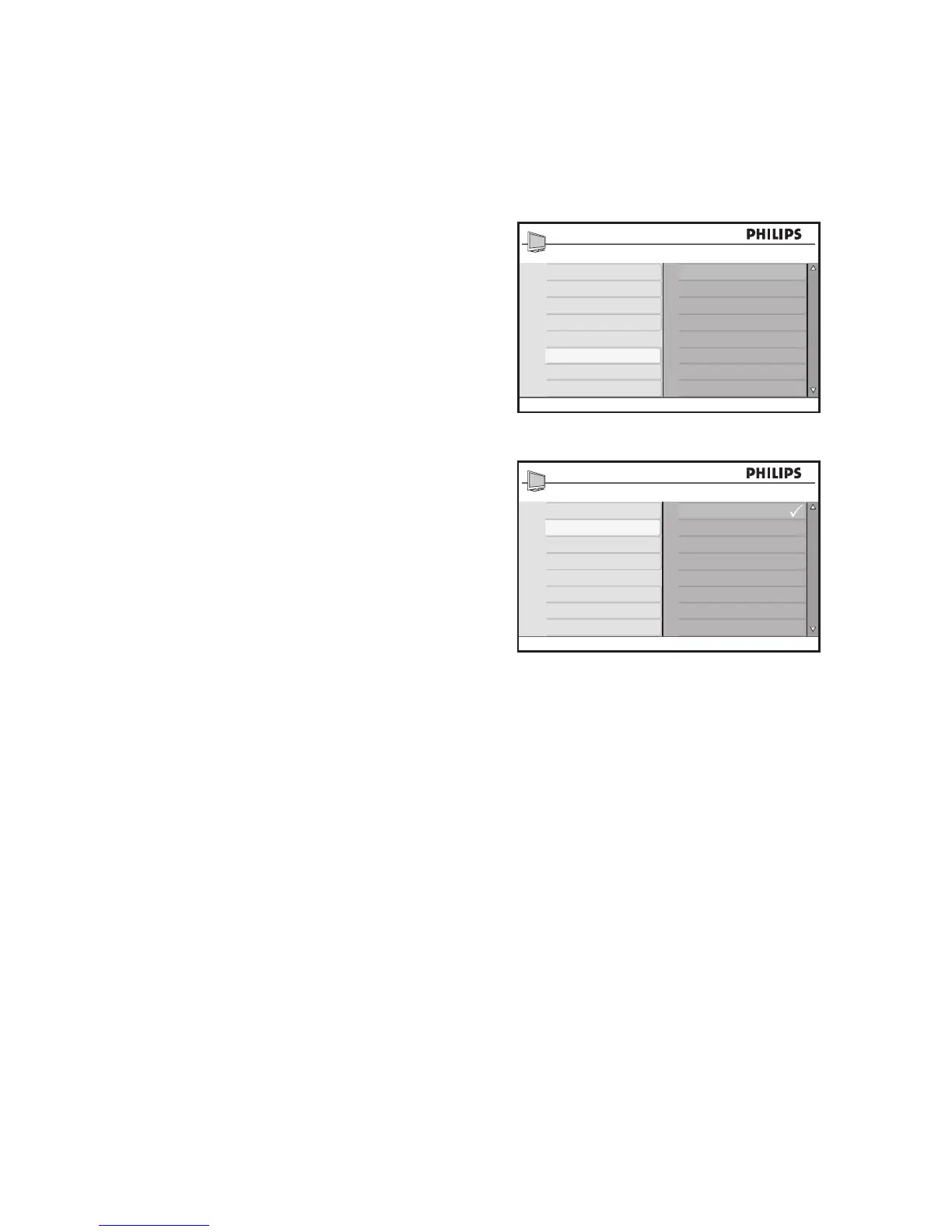
Press 1. H to display the on-screen menus.
Press 2. ï until Install is highlighted.
Press 3. u to select Install.
Press 4. ï until Tuner Mode is highlighted.
Press 5. u to select Tuner Mode.
Press 6. ï or Î to select Auto, Antenna
or Cable.
Press 7. u to select the option.
Press 8. H to exit.
Tuner Modes:
Auto• : The TV automatically detects if the
cable signal input is present.
Antenna• : The TV detects antenna signals
and searches for all antenna TV channels
available in your local area.
Cable• : The TV detects cable signals and
searches for all cable TV channels avail-
able in your local area.








 To Next Page