37
Control access to TV programs
Unblock programs
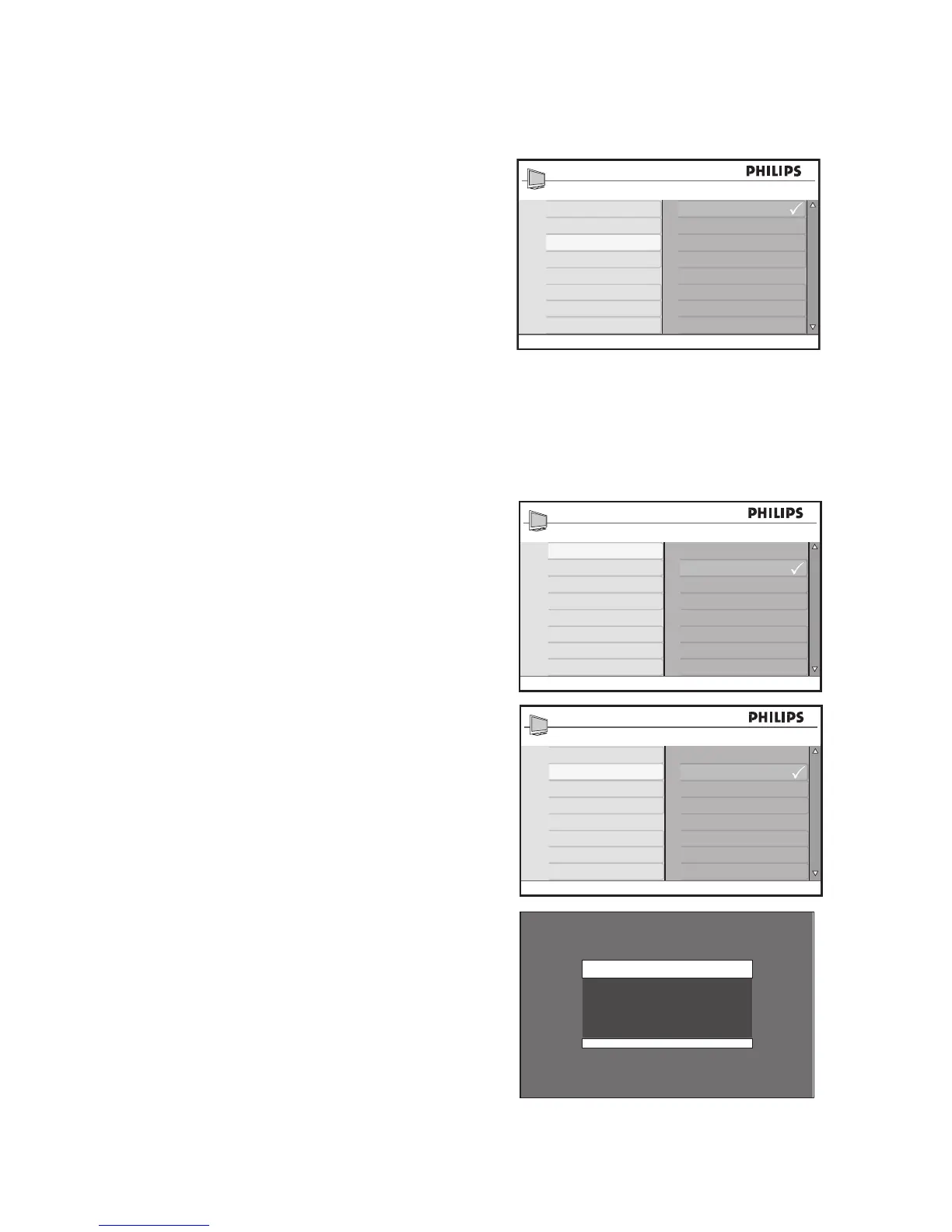
Press 1. u to select Block Options.
Press 2. ï or Î to highlight Off.
Press 3. u to enable Block Options.
Block other programs
You can also block programs that are
unrated, such as documentaries, “director’s
cut” edition or programs that have no advi-
sory data (No Rating).
Access 1. Parental Lock menu as de-
scribed in Access Parental Lock.
Press 2. ï until Block Options is high-
lighted.
Press 3. u to select Block Options.
Press 4. ï or Î to highlight Unrated or
No Rating.
Press 5. u to select Unrated or No Rat-
ing.
Press 6. u to highlight On.
Press 7. u to enable Unrated or No
Rating.
NOTE:
Programs with no rating or unrated are
blocked.








 To Next Page