49
Use your TV in High Definition mode
Use Mode Selection
(For 480p, 720p and 1080p formats only)
The Mode Selection options are available in
the Features menu when you connect HD
equipment via HDMI supporting resolutions
of 480p, 720p or 1080p.
You can select PC or HD mode.
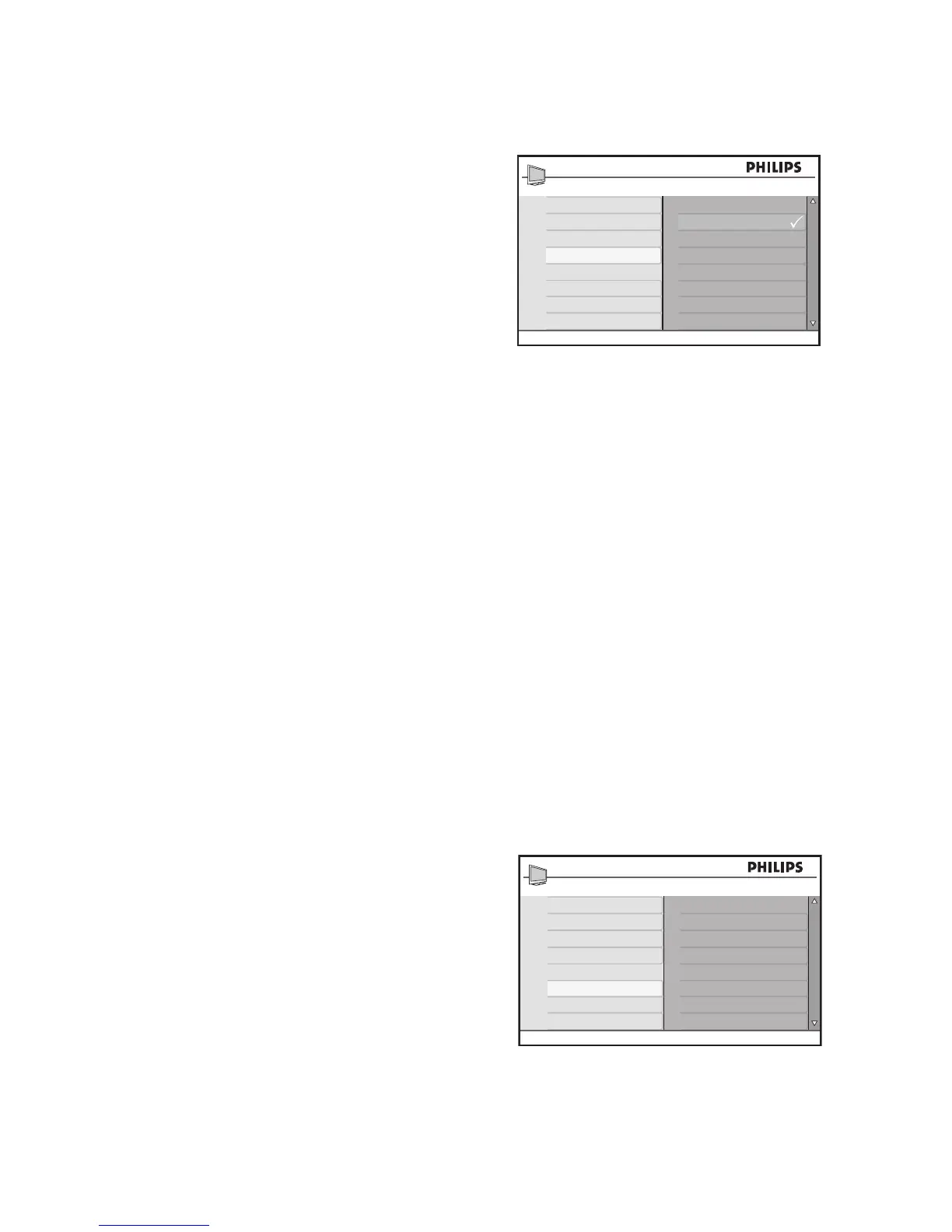
Press 1. H to display the on-screen menus.
Press 2. ï until Features is highlighted.
Press 3. u to select Features.
Press 4. ï until Mode Selection is high-
lighted.
Press 5. u to select Mode Selection.
Press 6. ï or Î to select PC or HD
modes.
Press 7. H to exit.
Use Native 1080 mode
(For 1080p TV models only)
The Native 1080 option in the Display menu
is available when you connect HD equipment
via HDMI or Y Pb Pr supporting resolution
of 1080i.
Watch the original HD format in true resolu-
tion from the input signals.
Press 1. H to display the on-screen menus.
Press 2. ï until Features is highlighted.
Press 3. u to select Features.
Press 4. ï until Display is highlighted.
Press 5. u to select Display.








 To Next Page