42
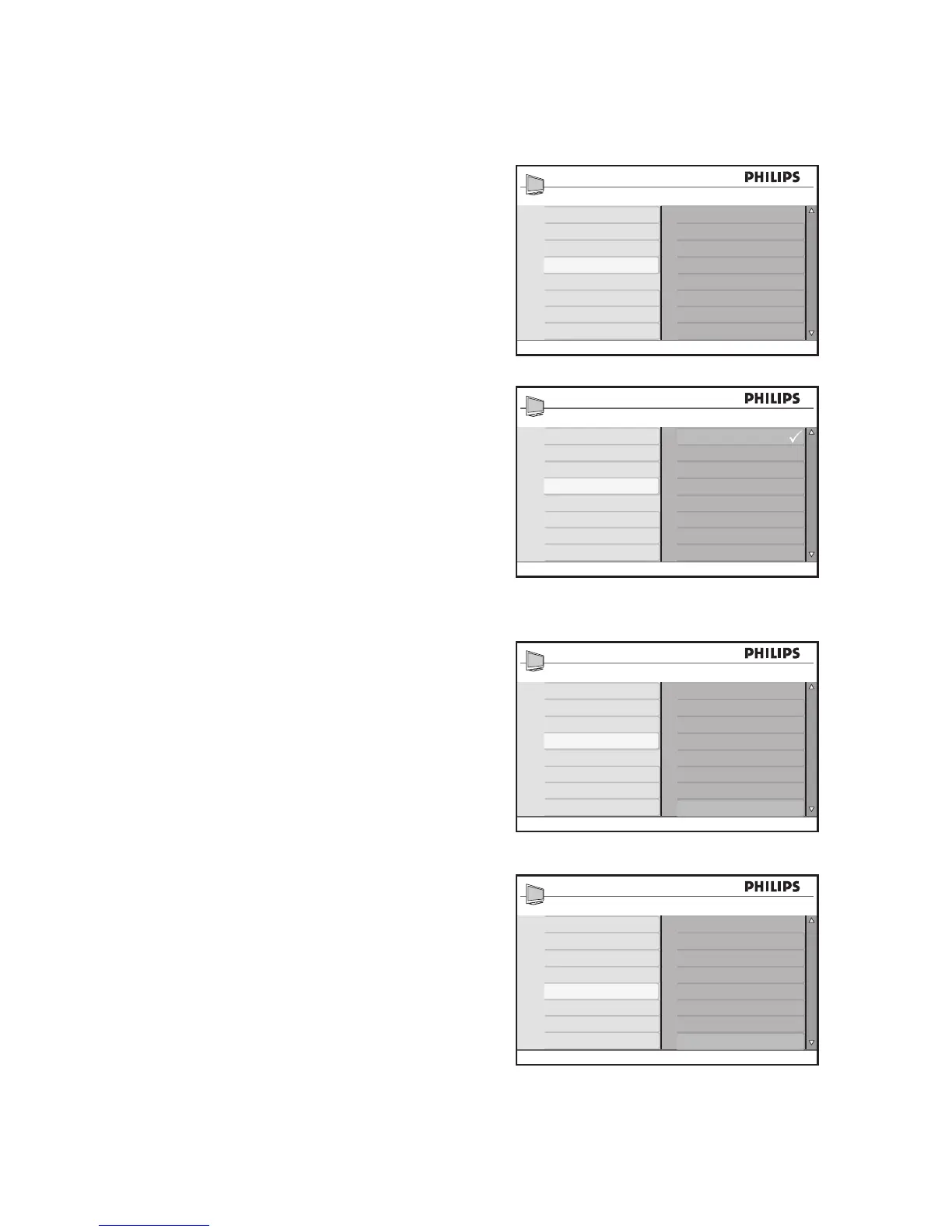
Use Ambilight (available on selected models)
Select Ambilight color
Turn on Ambilight as described in 1. Turn on
Ambilight.
Press 2. ï until Mode is highlighted.
Press 3. u to select the Mode.
Press 4. ï or Î to highlight the different
modes available.
Press 5. u to select the mode.
Press 6. ï until Color is highlighted.
Press 7. u to select the Color.
Press 8. ï or Î to highlight the color
choices available.
Press 9. u to select your color choice.
Using Custom color
Press 10. ï until Custom is highlighted.
Press 11. u to select Custom.
This enables the Custom Color menu.
Press 12. Í to highlight Color.
Press 13. ï to highlight Custom Color.
Press 14. ï or Î to highlight Palette or
Saturation.








 To Next Page